The Best Ergonomic Desk Setups for 2026: 3 Complete Builds, Every Budget
Some links in this guide are affiliate links - we may earn a commission at no extra cost to you.
Spend eight or more hours a day at a desk and your body keeps a running tab. It shows up as the ache between your shoulder blades, the wrist that twinges by Friday, the lower back that never quite settles. None of it is dramatic on any single day, which is exactly why it gets ignored until it is not ignorable. Your PC has a parts list; your body deserves one too.
Good posture at a desk is not about sitting up straight through willpower. It is four mechanical things holding true at once: wrists neutral and flat rather than bent up or down, the top third of your monitor at eye level so your neck stays level, feet flat on the floor with knees near 90 degrees, and elbows bent to roughly 90 degrees so your shoulders can drop. Miss one and the others start compensating - a monitor too low pulls your neck forward, a desk too tall hikes your shoulders, and no amount of expensive chair fixes either.
The good news is that hitting all four is mostly a matter of adjustment, not money. Small, boring changes - a desk set to the right height, a screen lifted to eye level, a chair that actually supports your lumbar - prevent the slow, real pain that a bad setup builds over years. You do not need a $1,500 chair. You need the right pieces set up correctly, working as a system. Here is how each one earns its place, cheapest to endgame.
How we pick: we weigh adjustability, all-day support, and honest value over brand names and RGB, and we price-check every pick against live Amazon and Newegg listings so the numbers here are what these actually sell for - not list-price fantasy. A cheaper piece that nails the ergonomics beats a pricier one that only looks the part.
The short version
Everyone buys the chair first, but the real fix is treating desk, chair, mat, and monitor as one system - so I would copy a whole matched build instead of buying pieces at random. If I could send you a single item, it is the SIHOO Doro C300 Pro: roughly $700-chair adjustability for around $390, and the anchor of the build I would actually buy. Pair it with a height-adjustable desk - the piece people skip and the one thing that fixes wrist and shoulder angles a chair never can, and the cheap FlexiSpot EN1 does it - and you have fixed most of your posture for the price of a midrange GPU. Want buy-once-for-a-decade instead? The endgame pick is the Secretlab Titan Evo.
The chair: what carries your back
The chair is the only piece of the setup touching you for the entire day, so it is where a bad choice hurts most and where a good one disappears into the background. The job is simple to state and hard to build: hold your lower back in its natural curve, keep your shoulders relaxed, and let your elbows sit near 90 degrees without hunching. That means the things worth paying for are adjustable lumbar support, armrests that move in enough directions to meet your desk height, and a seat deep enough to support your thighs without jamming the backs of your knees. Breathable mesh usually beats dense foam over an eight-hour day.
Here is the honest part: chairs hit diminishing returns fast. A well-chosen ~$400 chair delivers most of what a $1,500 one does, and a lot of "gaming" chairs trade real support for a racing-seat look. Buy for adjustment, not aesthetics. Prefer a plain-office silhouette at the sweet spot? The Alera Elusion (~$245) is the swap. The three worth buying, budget to endgame:
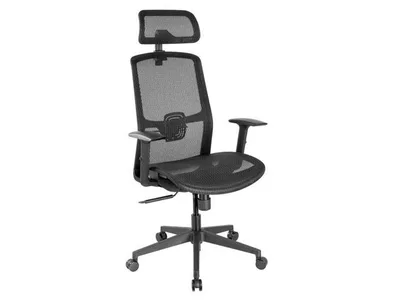
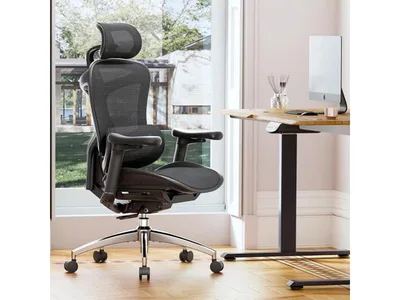
This is our office chair top pick for 2026, and it is the single item I would hand to almost anyone. Self-adaptive lumbar that physically follows your back as you move, ultra-soft 6D armrests, and the full adjustability you normally pay around $700 for, all landing near $390. Nothing else at this price is chasing your spine the way this does.
It is the heart of the build I would actually buy. Spend up from the budget mesh chair and this is where the money should go first - a chair you notice on hour six, not hour one. The desk sets your arms and the monitor arm sets your neck, but this is the piece carrying your back all day, so it earns the biggest share of the budget.
The catch: It is a work-focused mesh chair, not a racing-style throne, so if you want the aggressive gamer aesthetic the Corsair TC100 swap below is the trade to make.
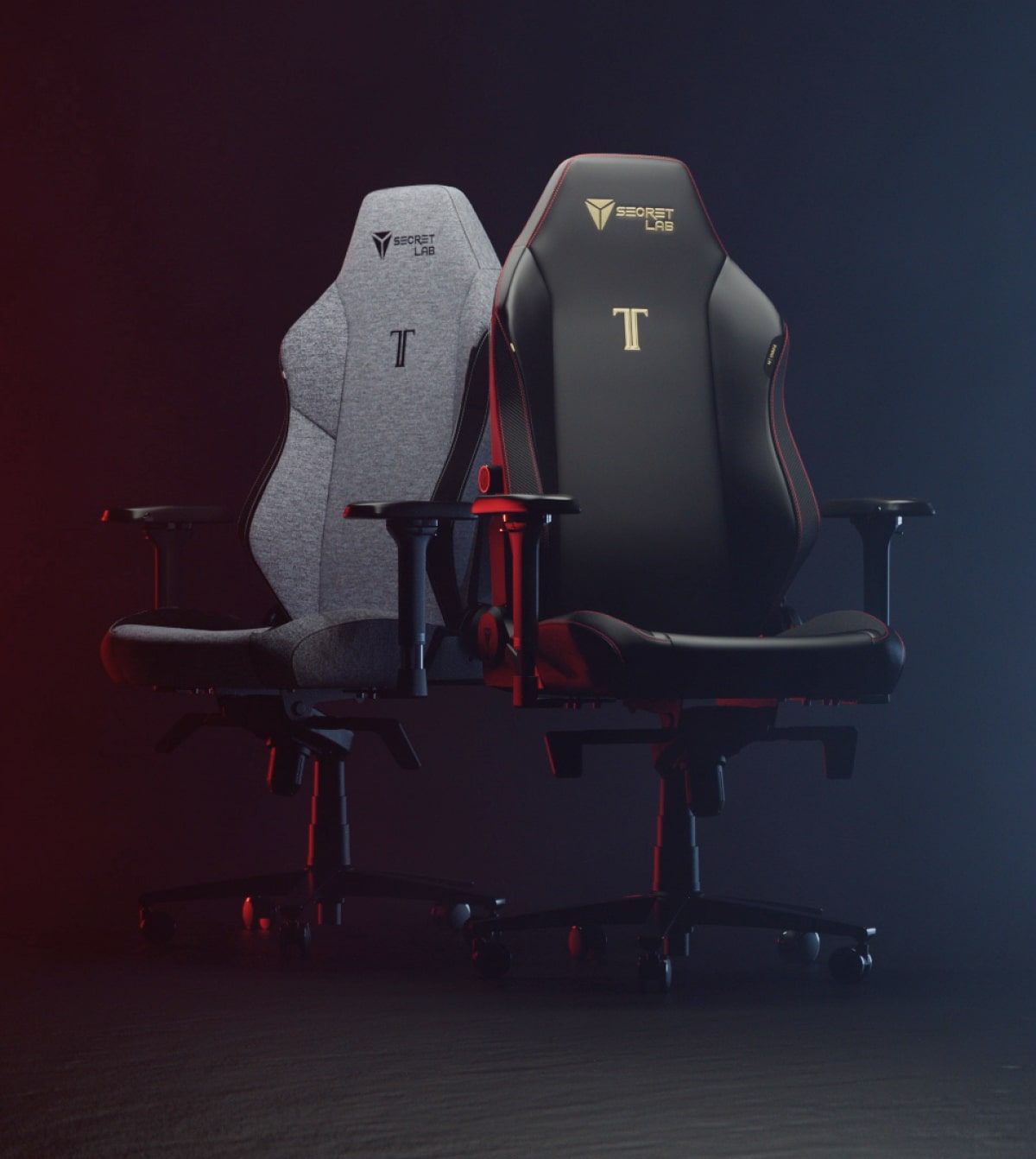
If the SIHOO is the smart buy, the Titan Evo is the last-chair-you-think-about buy. It is the benchmark of the category for a reason: magnetic lumbar, cold-cure foam that holds its shape for years instead of flattening, three sizes so you actually fit it, and a 5-year warranty behind all of it.
I would only steer you here over the SIHOO if you have decided this is a decade purchase and you want it to feel and look the part. For pure ergonomics per dollar, the cheaper chair already wins - this is the one you buy when "never replace it" is worth the premium.
The catch: It is real money and it wears its gaming DNA on the outside, so if you want pure office looks a refurbished Steelcase Leap V2 at similar money is the ergonomist's answer.
The standing desk: what sets your arms
If the chair carries your back, the desk sets your arms, and this is the piece almost everyone skips. Most fixed desks are built around a roughly 29-inch height that happens to suit almost nobody, which forces your shoulders up and your wrists back no matter how good your chair is. A height-adjustable desk is the only fix that actually reaches that problem: set the top so your forearms are parallel to the floor and your wrists stay neutral, save it to a preset, and a surprising amount of "chair" pain turns out to have been desk pain all along.
What to look for is a sturdy dual-motor frame, memory presets, and a height range that fits your body sitting and standing. Stability at full standing height is where budget and premium frames actually diverge - the cheap ones can wobble a little when raised, the pricier ones stay planted and carry longer warranties. For simply getting the height right, even the budget frame does the whole job. (Want the desk to become the centerpiece? The Lian Li DK-07 puts your PC inside the desk itself.)
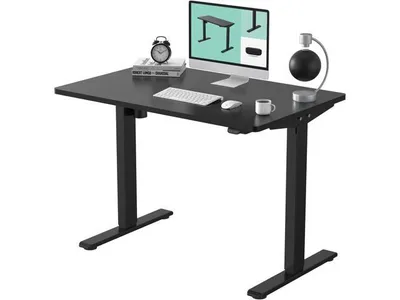
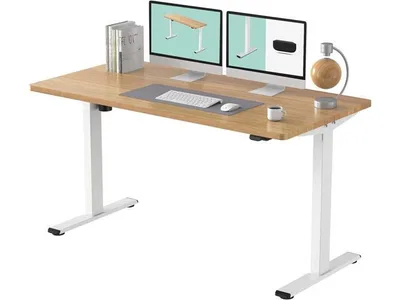
This guide's whole argument lives in this one purchase: desk height is the posture fix a chair cannot make, and this is the cheapest desk that actually makes the adjustment. You get a one-piece 48x30 top with electric height adjustment and memory presets, and on FlexiSpot's Prime Day pricing it drops to around $170 - which quietly retires the old budget compromise of buying a fixed desk and hoping your elbows forgive you.
If you only fix one thing on this entire page, make it this. Set the top so your elbows land at roughly 90 degrees, save it to a preset, and the wrist and shoulder ache most people blame on their chair usually goes with it. Standing whenever you feel like it is the bonus, not the reason to buy.
The catch: It is the budget frame, so it does not have the stability, speed, or reach of the pricier E7 and Uplift desks below - but for simply setting your desk to the right height, that gap does not matter.
The monitor arm: what sets your neck
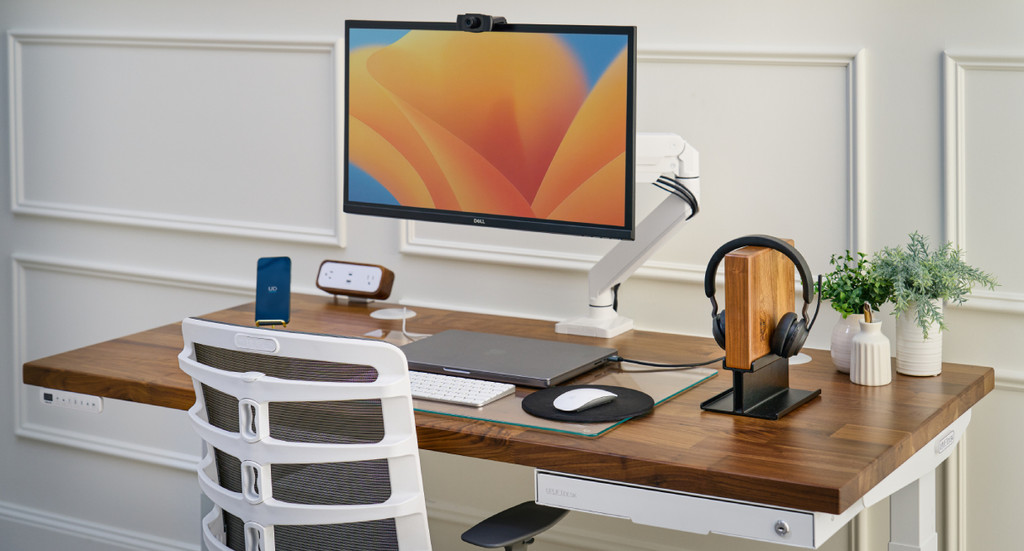
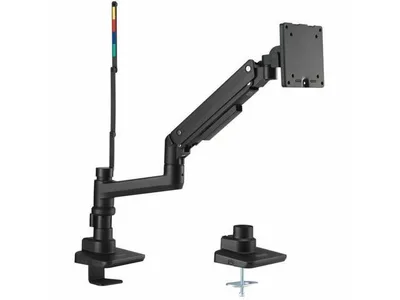
A monitor at the wrong height is the quiet cause of neck and upper-back strain, because a screen that sits too low pulls your head forward and down for hours at a time. The target is simple: the top third of the display at eye level, roughly an arm's length away, so your neck stays neutral and level. Almost no monitor's stock stand gets there, and stacking books under it is a fragile workaround. A monitor arm floats the screen to the exact height and distance you need, frees the desk space underneath, and lets you reposition in a second.
Look for a gas-spring arm rather than a stiff tension design, a weight rating that comfortably covers your monitor, and VESA compatibility. A cheap arm sags or drifts under a heavy panel; a good one is genuinely buy-once. And if your desk is fixed and too tall to lower, a footrest belongs in this conversation too - it keeps your feet flat and knees near 90 when the desk cannot come down to you.
The chair mat: what protects your floor
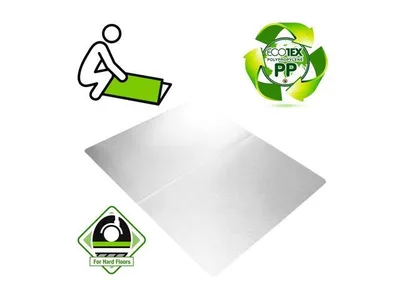
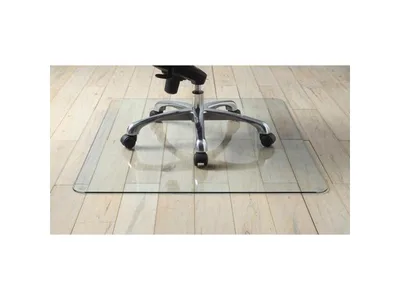
A chair mat is the least glamorous piece here and the one that quietly protects the most expensive thing in the room: your floor. Casters chew through hardwood and pack down carpet over time, and a mat also lets the chair roll freely - which matters more than it sounds, because easy repositioning is part of good ergonomics, not a luxury.
Match the mat to your floor first. Hard-floor mats are smooth-backed; carpet mats have gripper spikes underneath, and using the wrong one means a mat that slides or one that never grips. After that it is a durability question. Cheap PVC mats curl and dent within a year or two. Polycarbonate stays flat and clear for years for a bit more money. Tempered glass is effectively permanent and rolls like ice, at the cost of weight and a colder surface. Buy the material that matches how long you plan to keep it.
The finishing pieces: tidy, then moving
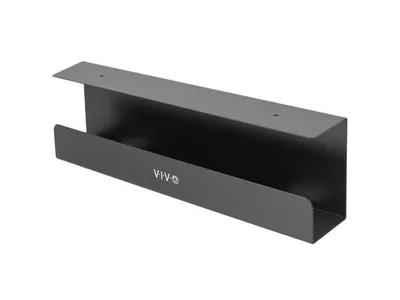
Two smaller pieces close the gap between a setup that works and one you actually enjoy sitting at. The first is cable management. A tray under the desk gets the wire tangle off the floor, which matters doubly once the desk moves - trailing cables and a rising desktop do not mix - and a tidy desk is simply one you are more willing to use.
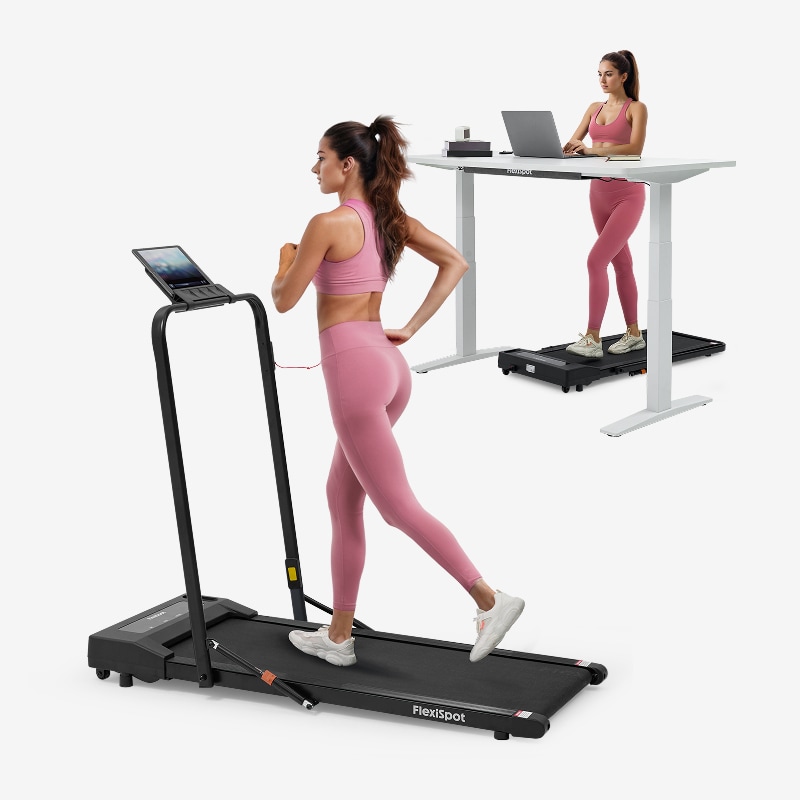
The second is movement, the fourth posture principle and the one no piece of furniture enforces on its own. A height-adjustable desk makes standing possible; a walking pad makes it active. Slow walking during calls and meetings turns "I own a standing desk" into hours of real motion, which is where the long-term payoff actually lives. Neither is essential, and both are worth it once the core setup is in place.
How to choose (and what to skip)
The ergonomics aisle sells a lot of things that do very little. A quick filter for what actually helps versus what just looks the part:
- Skip the bucket-seat "gaming" chairs that lean on pillows instead of adjustment. A racing silhouette is not lumbar support, and a strap-on cushion is not a substitute for a backrest that fits.
- Skip gel wrist rests for typing. They encourage you to plant your wrists and bend them upward, which is the opposite of neutral. Float your hands while typing; a rest is for pauses, not keystrokes.
- Do not buy a footrest to fix a too-tall desk if a height-adjustable desk is on the table. The footrest treats the symptom; the desk removes the cause. A footrest earns its place only when the desk height is genuinely fixed.
- Ignore RGB and the brand tax. Neither one changes how your spine feels at hour six.
What actually helps is unglamorous: a chair that adjusts, a desk that meets your elbows, a monitor at eye level, and permission to move. Once your pieces arrive, run the 4-point check:
- Elbows near 90 degrees at the keyboard, shoulders relaxed - set desk (or chair) height until true.
- Top third of the monitor at eye level, about an arm's length away - that is the arm's job.
- Feet flat, knees near 90 - if your desk is fixed and tall, raise the chair and add a footrest.
- Move. The best setup is the one that makes changing position effortless, which is the real argument for a height-adjustable desk.
The bottom line
Ergonomics is a system, and the most common mistake is pouring the whole budget into a chair while ignoring the desk height that is actually wrecking your wrists. Fix the desk first, put a properly adjustable chair under you, get the monitor to eye level, protect the floor, and give yourself an easy reason to move. Do that and you have prevented the slow, real pain that eight hours a day at a badly built desk quietly creates. You do not need the most expensive version of any single piece - the sweet-spot picks here get you most of the way, and the endgame options are about never replacing them, not better posture. Buy for adjustment, set it up right the first day, and your body stops paying for your desk.
Related reading
- Best office chairs for 2026 - more chair options and the full ranking
- Best gaming chairs for 2026 - racing-style picks including the budget Homall
- Best gaming desks for 2026 - bigger builds up to the Lian Li DK-07 that turns your PC into the furniture
- Best office desks for 2026 - standing and fixed desks for a work-first setup
- Best chair mats for 2026 - every floor type covered
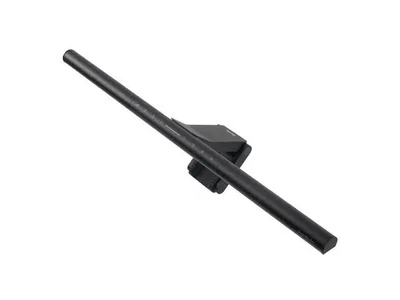
- Best setup accessories for 2026 - lighting, including the budget light bar, plus the rest
- Build a PC - the machine that sits on all this furniture
Found this useful? Pass it along:
Frequently Asked Questions
What does a complete ergonomic desk setup cost in 2026?
A genuinely good complete setup - adjustable chair, electric standing desk, chair mat, monitor arm - starts around $400 with smart budget picks, hits the comfort sweet spot near $1,000, and tops out around $1,600 for buy-it-once-for-a-decade quality. Past that you are paying for brand, not ergonomics.
What is the correct ergonomic desk setup?
Elbows at roughly 90 degrees when typing, top third of the monitor at eye level about an arm's length away, feet flat, and position changes throughout the day. Hitting all four almost always requires an adjustable desk and a monitor arm - the chair alone cannot do it.
Which matters more, the chair or the desk?
People buy the chair first, but if your desk is the wrong height (most fixed desks are too tall for most people), no chair can fix your wrist and shoulder angles. The chair carries your back; the desk sets your arms; the monitor arm sets your neck. It is a system - which is why we build all three together here.
Are these setups good for both gaming and working?
Yes - that is the point. Every build here handles an 8-hour workday and an evening session on the same equipment. Where a choice leans one way (racing-style vs mesh chair, for example), we list the swap.