RAM Advisor
Match RAM to your exact motherboard or chipset - or just browse every kit by spec. Compatibility, speed, true latency, price and pros/cons, all in one list.
Select Your Motherboard
Use Case
Capacity
During the 2026 RAM price crisis, 16GB is the honest value play for pure gaming - 32GB buys about zero extra FPS in games today and costs well over a 16GB kit right now. Step up to 32GB+ only if your workload (heavy multitasking, editing, big VMs, lots of browser tabs) actually needs the headroom.
All RAM kits
47 of 47 kits. Drill in by any spec; expand any kit for pros & cons.
Memory type
Capacity
Minimum speed
Features
Brand
Max price
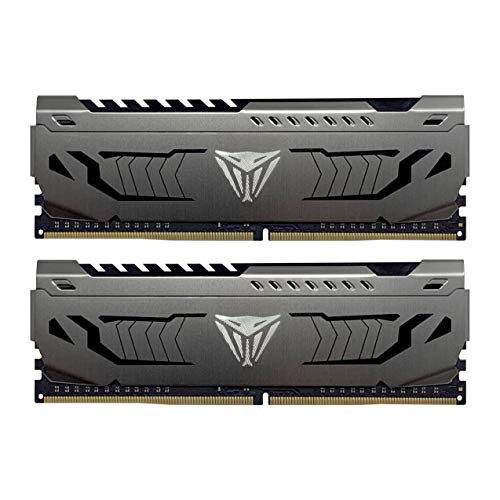
Patriot Memory Viper Steel
Pros & cons›
+2 sticks - ideal for dual-channel and overclock headroom
+One-click XMP profile
-Premium price (~$7/GB)
-16GB - fine for pure gaming, tight for heavy multitasking or big workloads
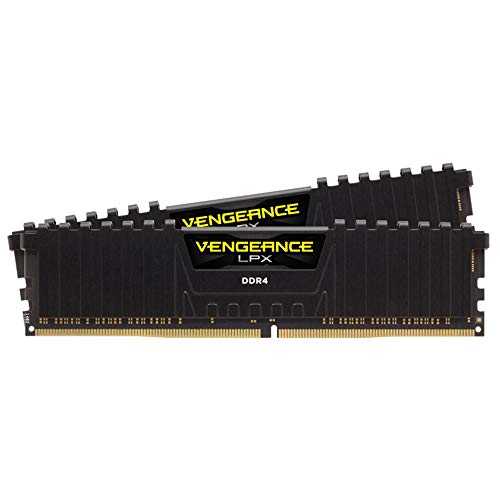
Corsair VENGEANCE LPX
Pros & cons›
+2 sticks - ideal for dual-channel and overclock headroom
+One-click XMP profile
-Premium price (~$8/GB)
-16GB - fine for pure gaming, tight for heavy multitasking or big workloads
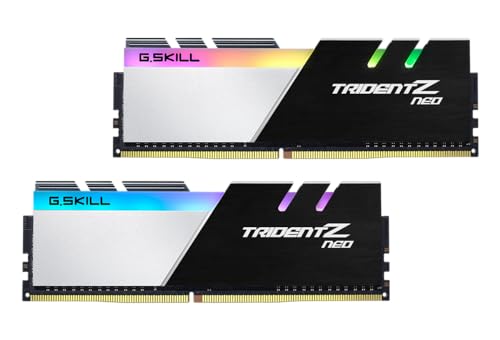
G.SKILL Trident Z
Pros & cons›
+Tight CL16 timings (8.9ns true latency)
+2 sticks - ideal for dual-channel and overclock headroom
+RGB lighting
+One-click XMP profile
-Premium price (~$8/GB)
-16GB - fine for pure gaming, tight for heavy multitasking or big workloads
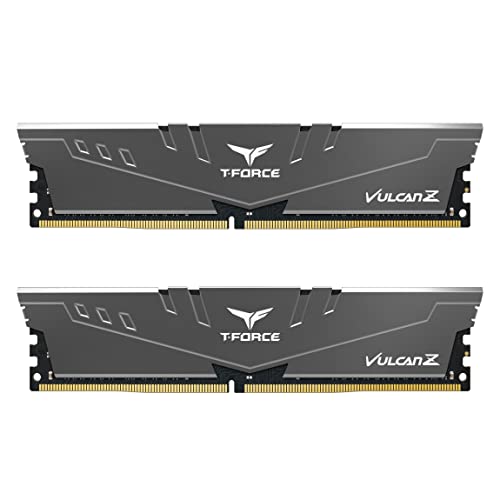
TEAMGROUP T-Force Vulcan
Pros & cons›
+2 sticks - ideal for dual-channel and overclock headroom
+One-click XMP profile
-Premium price (~$9/GB)
-16GB - fine for pure gaming, tight for heavy multitasking or big workloads
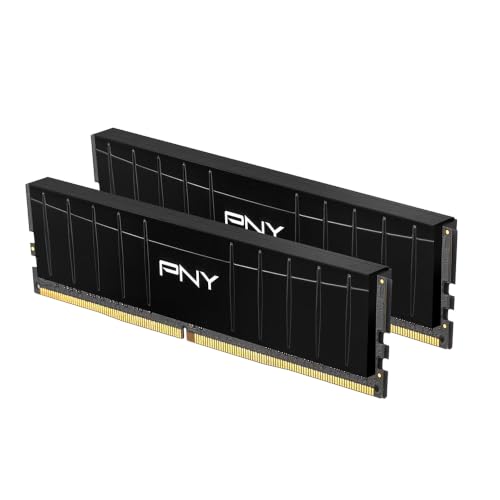
PNY DDR4 16GB
Pros & cons›
+2 sticks - ideal for dual-channel and overclock headroom
+One-click XMP profile
-Premium price (~$9/GB)
-16GB - fine for pure gaming, tight for heavy multitasking or big workloads
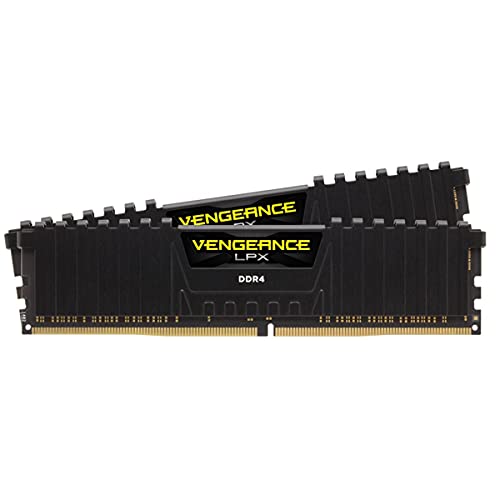
Corsair Vengeance LPX
Pros & cons›
+2 sticks - ideal for dual-channel and overclock headroom
+One-click XMP profile
-Premium price (~$9/GB)
-16GB - fine for pure gaming, tight for heavy multitasking or big workloads
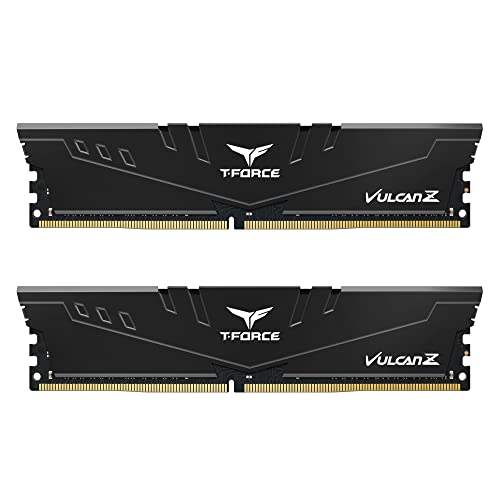
TEAMGROUP T-Force Vulcan
Pros & cons›
+2 sticks - ideal for dual-channel and overclock headroom
+One-click XMP profile
-Premium price (~$9/GB)
-16GB - fine for pure gaming, tight for heavy multitasking or big workloads
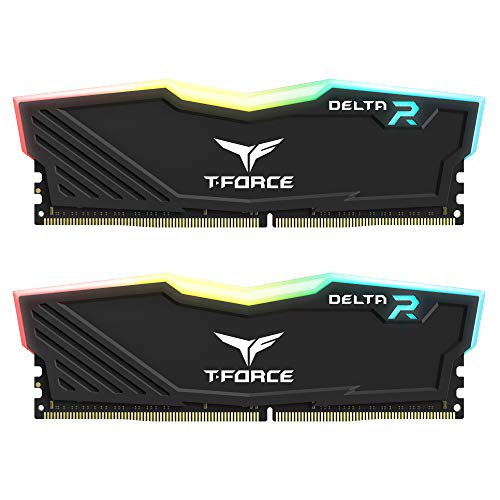
TEAMGROUP Delta RGB
Pros & cons›
+2 sticks - ideal for dual-channel and overclock headroom
+RGB lighting
+One-click XMP profile
-Premium price (~$11/GB)
-16GB - fine for pure gaming, tight for heavy multitasking or big workloads
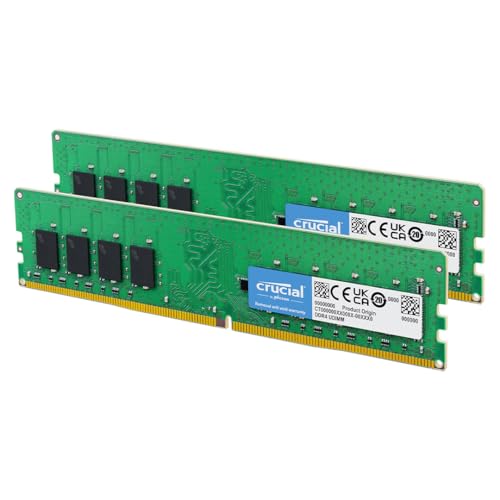
Crucial 32GB DDR4
Pros & cons›
+32GB - comfortable for gaming plus multitasking
+2 sticks - ideal for dual-channel and overclock headroom
+One-click XMP profile
-Looser CL22 timings (13.8ns true latency)
-Premium price (~$8/GB)
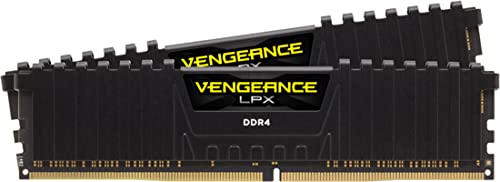
Corsair Vengeance LPX
Pros & cons›
+32GB - comfortable for gaming plus multitasking
+2 sticks - ideal for dual-channel and overclock headroom
+One-click XMP profile
-Premium price (~$8/GB)
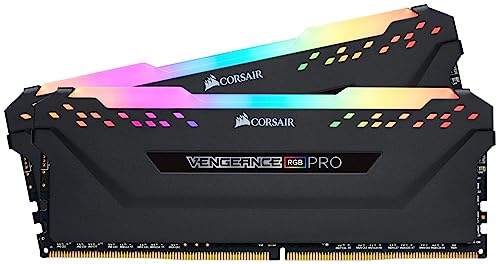
Corsair Vengeance RGB
Pros & cons›
+32GB - comfortable for gaming plus multitasking
+2 sticks - ideal for dual-channel and overclock headroom
+RGB lighting
+One-click XMP profile
-Premium price (~$8/GB)
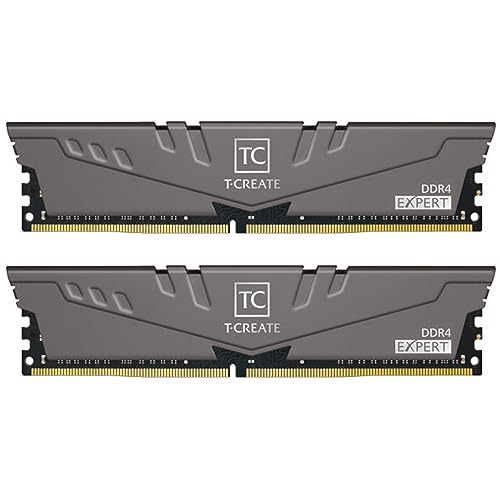
TEAMGROUP T-CREATE Expert
Pros & cons›
+32GB - comfortable for gaming plus multitasking
+2 sticks - ideal for dual-channel and overclock headroom
+One-click XMP profile
-Premium price (~$8/GB)
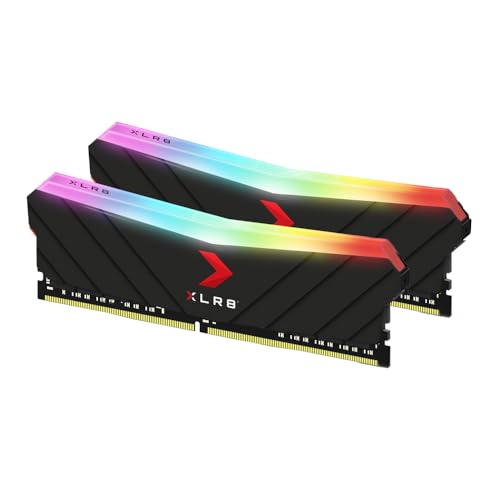
PNY Epic-X RGB
Pros & cons›
+32GB - comfortable for gaming plus multitasking
+2 sticks - ideal for dual-channel and overclock headroom
+RGB lighting
+One-click XMP profile
-Premium price (~$9/GB)
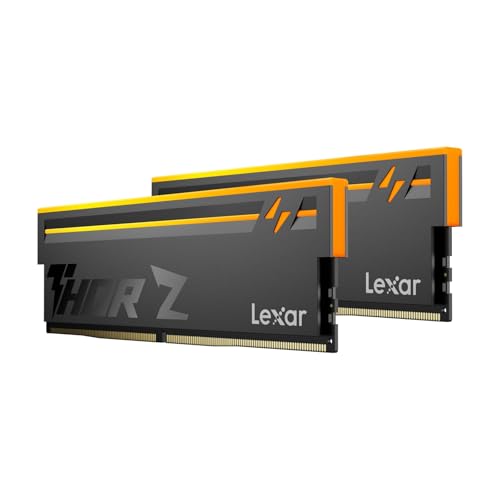
Lexar Thor Z
Pros & cons›
+32GB - comfortable for gaming plus multitasking
+2 sticks - ideal for dual-channel and overclock headroom
+RGB lighting
+One-click XMP / EXPO profile
-Looser CL38 timings (12.7ns true latency)
-Premium price (~$15/GB)
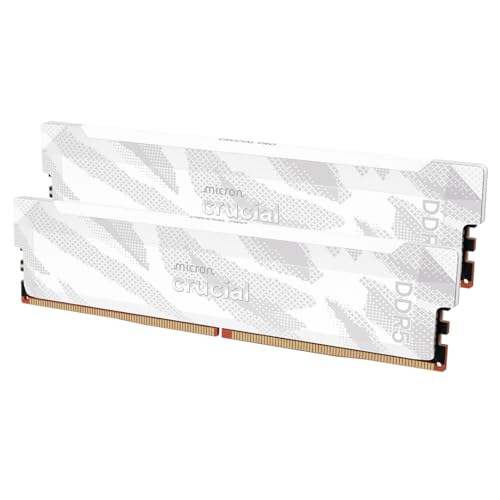
Crucial Pro DDR5
Pros & cons›
+32GB - comfortable for gaming plus multitasking
+2 sticks - ideal for dual-channel and overclock headroom
+One-click XMP / EXPO profile
-Premium price (~$15/GB)
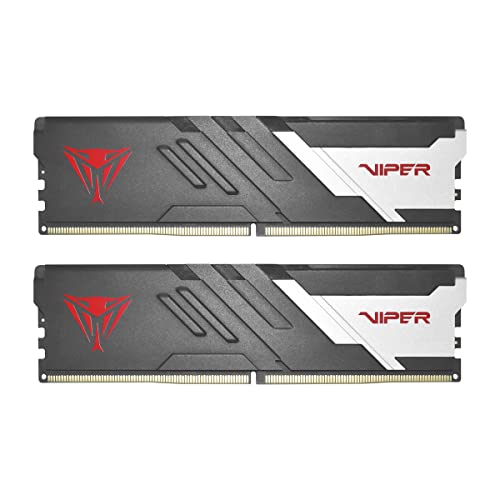
Patriot Memory Viper Venom
Pros & cons›
+32GB - comfortable for gaming plus multitasking
+2 sticks - ideal for dual-channel and overclock headroom
+One-click XMP / EXPO profile
-Premium price (~$15/GB)
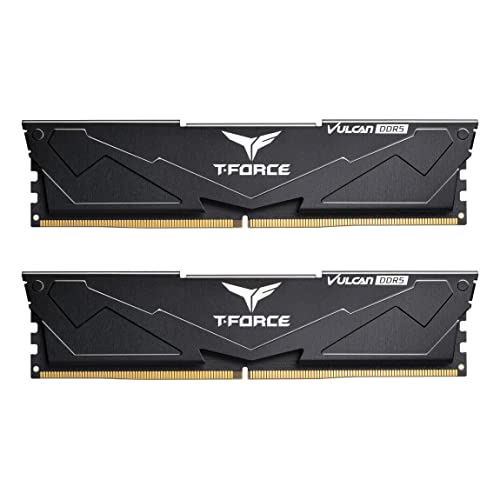
TEAMGROUP T-Force Vulcan
Pros & cons›
+32GB - comfortable for gaming plus multitasking
+2 sticks - ideal for dual-channel and overclock headroom
+One-click XMP / EXPO profile
-Looser CL38 timings (12.7ns true latency)
-Premium price (~$15/GB)
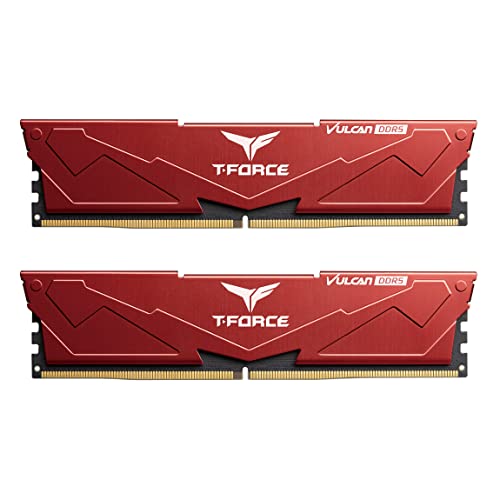
TEAMGROUP T-Force Vulcan
Pros & cons›
+32GB - comfortable for gaming plus multitasking
+2 sticks - ideal for dual-channel and overclock headroom
+One-click XMP / EXPO profile
-Looser CL38 timings (12.7ns true latency)
-Premium price (~$15/GB)
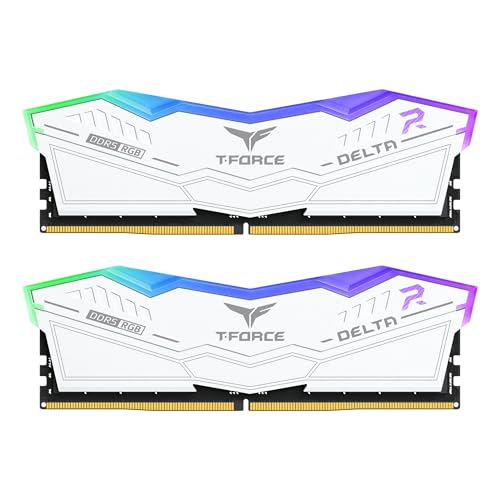
TEAMGROUP Delta RGB
Pros & cons›
+32GB - comfortable for gaming plus multitasking
+2 sticks - ideal for dual-channel and overclock headroom
+RGB lighting
+One-click XMP / EXPO profile
-Looser CL38 timings (12.7ns true latency)
-Premium price (~$16/GB)
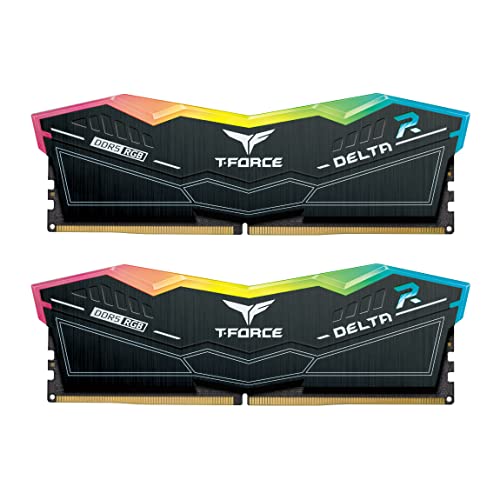
TEAMGROUP Delta RGB
Pros & cons›
+32GB - comfortable for gaming plus multitasking
+2 sticks - ideal for dual-channel and overclock headroom
+RGB lighting
+One-click XMP / EXPO profile
-Looser CL38 timings (12.7ns true latency)
-Premium price (~$16/GB)
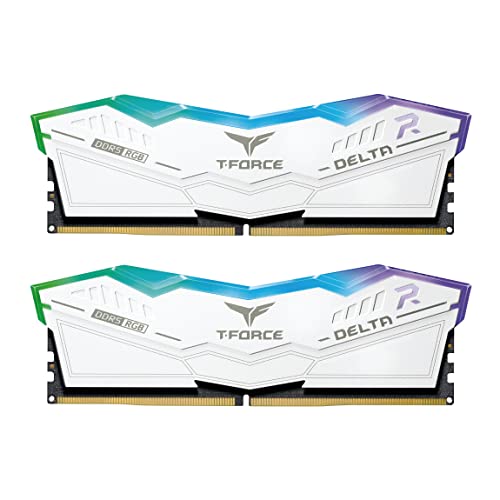
TEAMGROUP Delta RGB
Pros & cons›
+32GB - comfortable for gaming plus multitasking
+2 sticks - ideal for dual-channel and overclock headroom
+RGB lighting
+One-click XMP / EXPO profile
-Looser CL38 timings (12.7ns true latency)
-Premium price (~$16/GB)
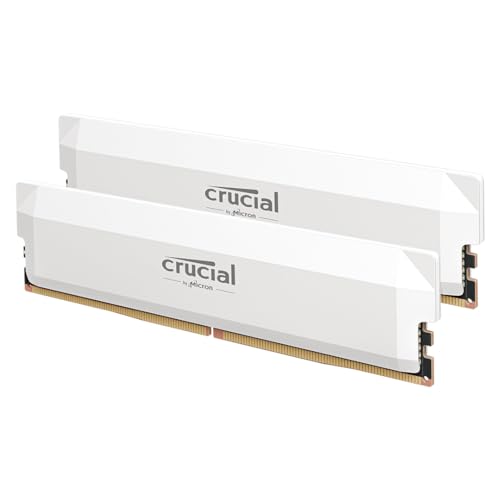
Crucial Pro 32GB
Pros & cons›
+32GB - comfortable for gaming plus multitasking
+2 sticks - ideal for dual-channel and overclock headroom
+One-click XMP / EXPO profile
-Looser CL36 timings (12.0ns true latency)
-Premium price (~$16/GB)
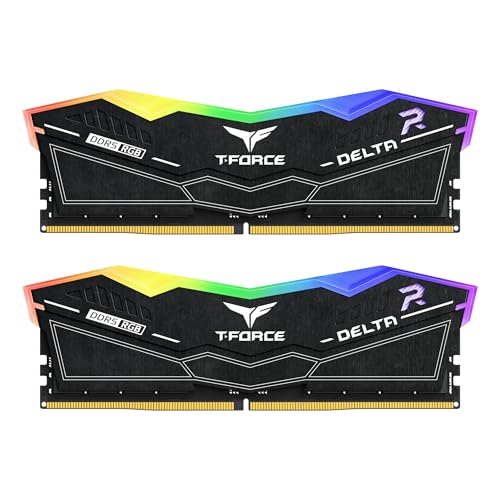
TEAMGROUP Delta RGB
Pros & cons›
+32GB - comfortable for gaming plus multitasking
+2 sticks - ideal for dual-channel and overclock headroom
+RGB lighting
+One-click XMP / EXPO profile
-Looser CL38 timings (11.9ns true latency)
-Premium price (~$16/GB)
Crucial Pro DDR5
Pros & cons›
+32GB - comfortable for gaming plus multitasking
+2 sticks - ideal for dual-channel and overclock headroom
+One-click XMP / EXPO profile
-Looser CL38 timings (11.9ns true latency)
-Premium price (~$16/GB)
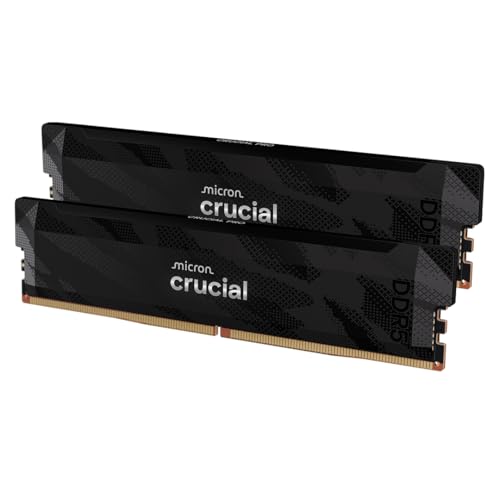
Crucial Pro DDR5
Pros & cons›
+32GB - comfortable for gaming plus multitasking
+2 sticks - ideal for dual-channel and overclock headroom
+One-click XMP / EXPO profile
-Premium price (~$17/GB)
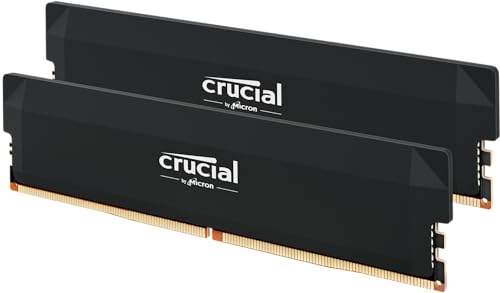
Crucial Pro 32GB
Pros & cons›
+32GB - comfortable for gaming plus multitasking
+2 sticks - ideal for dual-channel and overclock headroom
+One-click XMP / EXPO profile
-Looser CL36 timings (12.0ns true latency)
-Premium price (~$17/GB)
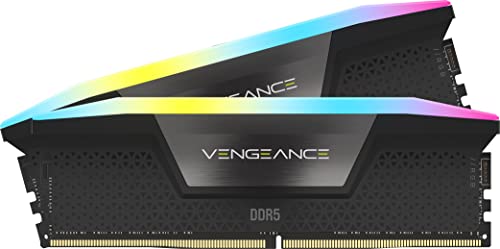
Corsair Vengeance RGB
Pros & cons›
+32GB - comfortable for gaming plus multitasking
+2 sticks - ideal for dual-channel and overclock headroom
+RGB lighting
+One-click XMP / EXPO profile
-Premium price (~$17/GB)
TEAMGROUP Delta RGB
Pros & cons›
+32GB - comfortable for gaming plus multitasking
+2 sticks - ideal for dual-channel and overclock headroom
+RGB lighting
+One-click XMP / EXPO profile
-Looser CL40 timings (12.5ns true latency)
-Premium price (~$18/GB)
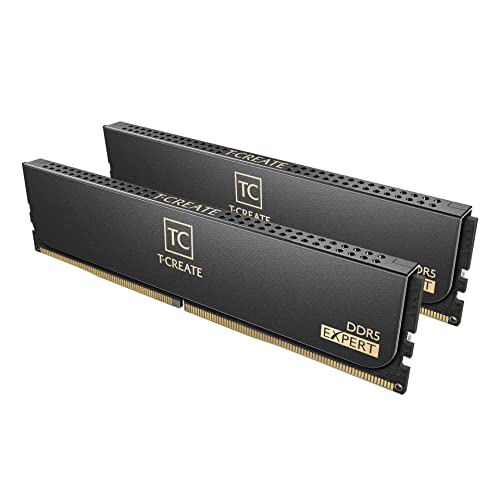
TEAMGROUP T-Create Expert
Pros & cons›
+32GB - comfortable for gaming plus multitasking
+2 sticks - ideal for dual-channel and overclock headroom
+One-click XMP / EXPO profile
-Premium price (~$18/GB)
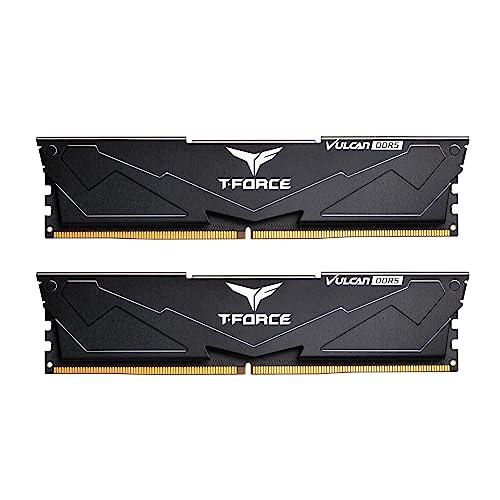
TEAMGROUP T-Force Vulcan
Pros & cons›
+32GB - comfortable for gaming plus multitasking
+2 sticks - ideal for dual-channel and overclock headroom
+One-click XMP / EXPO profile
-Premium price (~$18/GB)
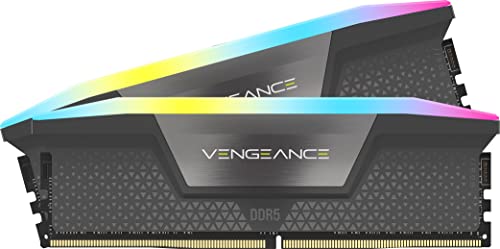
Corsair Vengeance RGB
Pros & cons›
+32GB - comfortable for gaming plus multitasking
+2 sticks - ideal for dual-channel and overclock headroom
+RGB lighting
+One-click XMP / EXPO profile
-Looser CL36 timings (11.3ns true latency)
-Premium price (~$19/GB)
TEAMGROUP Delta RGB
Pros & cons›
+32GB - comfortable for gaming plus multitasking
+2 sticks - ideal for dual-channel and overclock headroom
+RGB lighting
+One-click XMP / EXPO profile
-Premium price (~$19/GB)
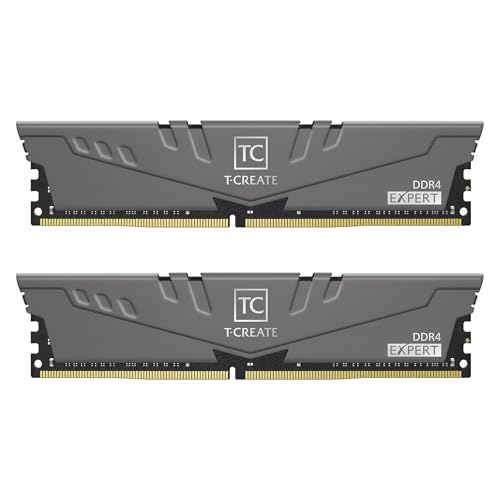
TEAMGROUP T-CREATE Expert
Pros & cons›
+64GB - built for editing, 3D, VMs and heavy multitasking
+2 sticks - ideal for dual-channel and overclock headroom
+One-click XMP profile
-Premium price (~$10/GB)
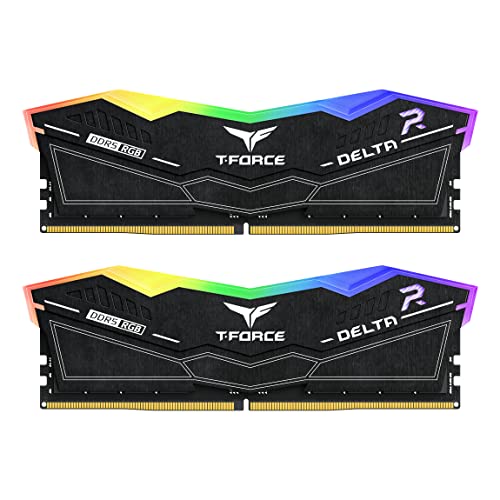
TEAMGROUP Delta RGB
Pros & cons›
+2 sticks - ideal for dual-channel and overclock headroom
+RGB lighting
+One-click XMP / EXPO profile
-Premium price (~$16/GB)
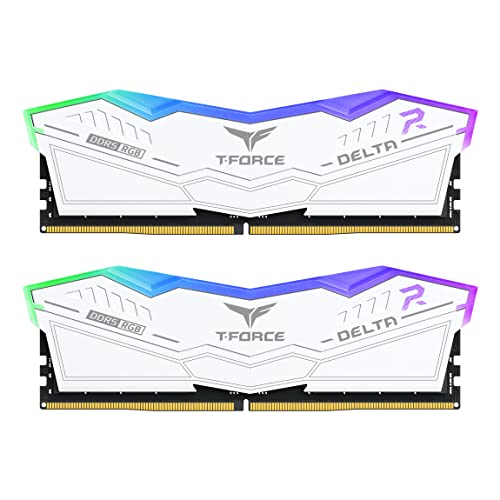
TEAMGROUP Delta RGB
Pros & cons›
+2 sticks - ideal for dual-channel and overclock headroom
+RGB lighting
+One-click XMP / EXPO profile
-Premium price (~$16/GB)
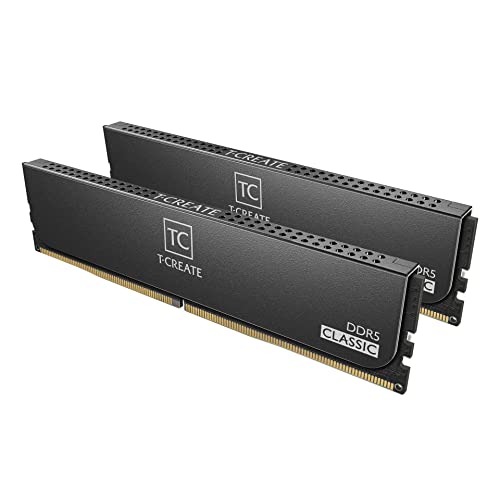
TEAMGROUP T-Create Classic
Pros & cons›
+64GB - built for editing, 3D, VMs and heavy multitasking
+2 sticks - ideal for dual-channel and overclock headroom
+One-click XMP / EXPO profile
-Looser CL46 timings (16.4ns true latency)
-Premium price (~$14/GB)
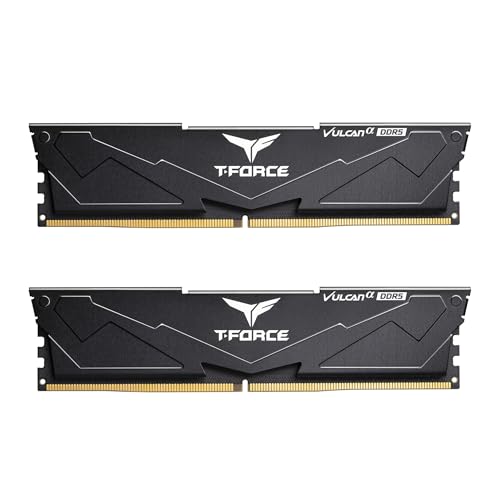
TEAMGROUP T-Force Vulcan
Pros & cons›
+64GB - built for editing, 3D, VMs and heavy multitasking
+2 sticks - ideal for dual-channel and overclock headroom
+One-click XMP / EXPO profile
-Looser CL38 timings (12.7ns true latency)
-Premium price (~$15/GB)
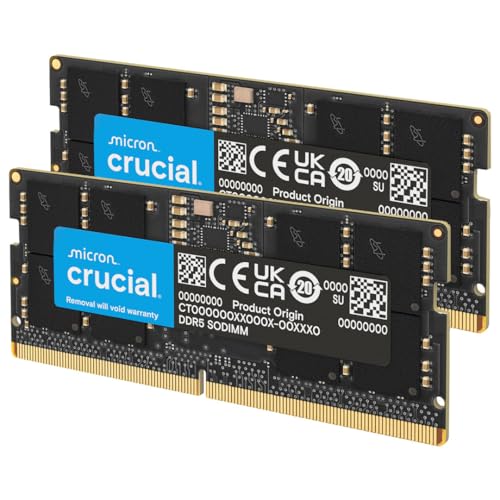
Crucial 64GB DDR5
Pros & cons›
+64GB - built for editing, 3D, VMs and heavy multitasking
+2 sticks - ideal for dual-channel and overclock headroom
+One-click XMP / EXPO profile
-Looser CL40 timings (16.7ns true latency)
-Premium price (~$15/GB)
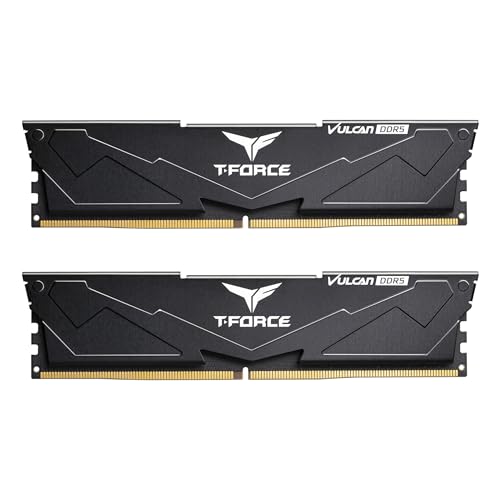
TEAMGROUP T-Force Vulcan
Pros & cons›
+64GB - built for editing, 3D, VMs and heavy multitasking
+2 sticks - ideal for dual-channel and overclock headroom
+One-click XMP / EXPO profile
-Looser CL38 timings (12.7ns true latency)
-Premium price (~$15/GB)
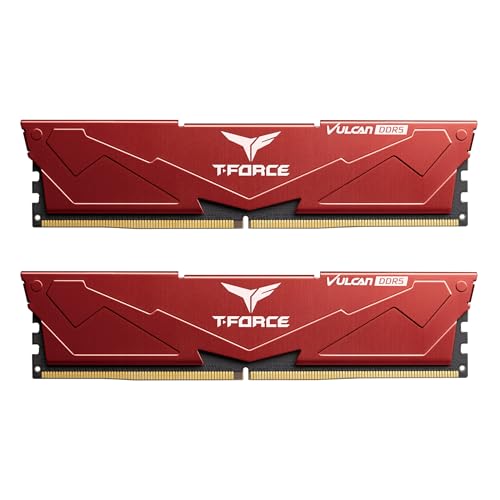
TEAMGROUP T-Force Vulcan
Pros & cons›
+64GB - built for editing, 3D, VMs and heavy multitasking
+2 sticks - ideal for dual-channel and overclock headroom
+One-click XMP / EXPO profile
-Looser CL38 timings (12.7ns true latency)
-Premium price (~$15/GB)
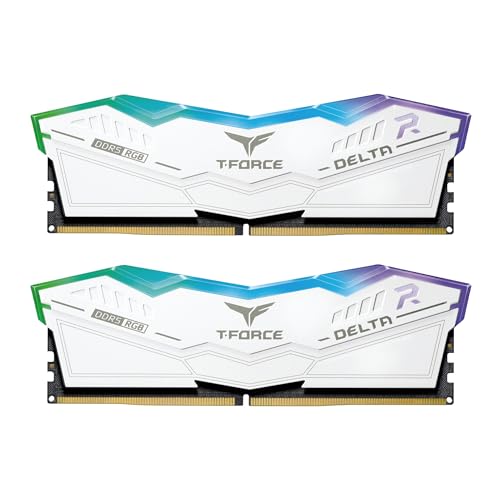
TEAMGROUP Delta RGB
Pros & cons›
+64GB - built for editing, 3D, VMs and heavy multitasking
+2 sticks - ideal for dual-channel and overclock headroom
+RGB lighting
+One-click XMP / EXPO profile
-Looser CL38 timings (12.7ns true latency)
-Premium price (~$16/GB)
TEAMGROUP T-Create Expert
Pros & cons›
+64GB - built for editing, 3D, VMs and heavy multitasking
+2 sticks - ideal for dual-channel and overclock headroom
+One-click XMP / EXPO profile
-Looser CL34 timings (11.3ns true latency)
-Premium price (~$16/GB)
TEAMGROUP Delta RGB
Pros & cons›
+Tight CL30 timings (9.4ns true latency)
+64GB - built for editing, 3D, VMs and heavy multitasking
+2 sticks - ideal for dual-channel and overclock headroom
+RGB lighting
+One-click XMP / EXPO profile
-Premium price (~$18/GB)
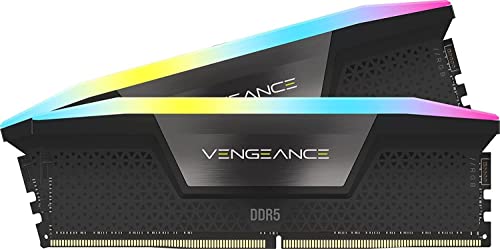
Corsair VENGEANCE RGB
Pros & cons›
+64GB - built for editing, 3D, VMs and heavy multitasking
+2 sticks - ideal for dual-channel and overclock headroom
+RGB lighting
+One-click XMP / EXPO profile
-Premium price (~$20/GB)
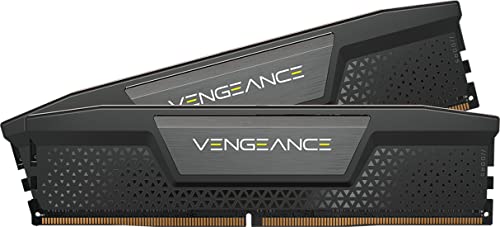
Corsair Vengeance DDR5
Pros & cons›
+64GB - built for editing, 3D, VMs and heavy multitasking
+2 sticks - ideal for dual-channel and overclock headroom
+One-click XMP / EXPO profile
-Premium price (~$20/GB)
TEAMGROUP T-Create Expert
Pros & cons›
+96GB - built for editing, 3D, VMs and heavy multitasking
+2 sticks - ideal for dual-channel and overclock headroom
+One-click XMP / EXPO profile
-Premium price (~$17/GB)
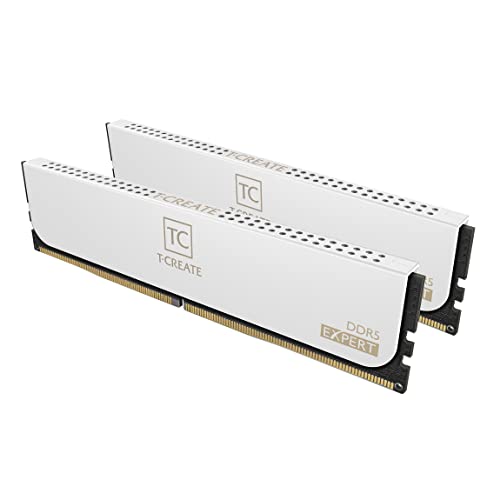
TEAMGROUP T-Create Expert
Pros & cons›
+96GB - built for editing, 3D, VMs and heavy multitasking
+2 sticks - ideal for dual-channel and overclock headroom
+One-click XMP / EXPO profile
-Premium price (~$17/GB)

How to Pick the Right RAM for Your Build
July 2026: the RAM price crisis, in one paragraph
DDR5 kits cost 4-5x what they did in late 2025 and another hike is expected in Q3. Our advice has changed with the market: 16GB is the value play for pure gaming right now, 32GB only if your workload demands it. The recommendations below already reflect live pricing. Full analysis: should you buy RAM now or wait? and what is driving the shortage.
For pure gaming in 2026, 16GB is the value play while the price crisis lasts - 32GB is the comfortable standard once prices normalize, and worth it now only if you stream or multitask hard. Either way, two matched sticks beat four for stable high speeds. After capacity, the speed sweet spot depends on your platform. On AMD AM5 (Ryzen 7000/9000), DDR5-6000 CL30 keeps the Infinity Fabric in its ideal 1:1 ratio - going faster usually hurts. On Intel, there is no fabric wall, so DDR5-6400 CL32 is the value pick for Arrow Lake (Z890/B860).
Don't obsess over CAS latency alone - what matters is true latency, which combines speed and timings. And always enable EXPO or XMP in your BIOS, or your fast kit runs at slow JEDEC defaults. RAM rarely bottlenecks a build on its own, but a mismatched CPU and GPU will - run yours through the bottleneck calculator to check, and see our complete builds for the right RAM, board, and parts at every budget.
Why the advisor said what it said
The recommendation is not a taste call - it falls out of your motherboard. The board dictates the DDR generation (there is no such thing as a DDR4 kit in an AM5 board, so if you hoped to reuse old sticks, the advisor is the bearer of bad news, not the cause of it), the platform dictates the speed sweet spot, and your use case sets the capacity bar. When we rank the specific kits, we sort by what actually costs you frames: true latency first, then price per gigabyte from live listings - which in this market can flip the order overnight. A kit we ranked third last month may top the list today purely because its price came back to earth.
If the top pick surprises you - say, a slightly slower kit ranked above a flashier one - hover the math: DDR5-6000 CL30 and DDR5-6400 CL32 have nearly identical true latency, so when the slower-on-paper kit is $40 cheaper, it wins. The one thing we cannot know is your future: if a platform upgrade is 6 months away, buy for the new board, not the old one, even at today's ugly prices.
One aside for a crowd we keep seeing in our search data: if you got here hunting the MSI MAG B650E Tomahawk WiFi, that exact name is a propagated typo - the real board, its price, and the right DDR5 kit for it are all in our write-up.
Real Questions, Straight Answers
Questions people actually search for, answered with numbers from the same dataset this tool runs on.
Browse all PC questions →Frequently Asked Questions
How much RAM do I need for gaming in 2026?
32GB (2x16GB) is the ideal for gaming in 2026 - but with the current price crisis pushing 32GB kits to 4-5x their late-2025 prices, 16GB is the honest value play for pure gaming. Esports and most AAA titles still run fine on 16GB; step to 32GB only if you edit video, stream, or keep heavy multitasking open. You can always add capacity when prices normalize.
Should I buy RAM now or wait for prices to drop?
If you need RAM to complete a build, buy the minimum you need now (16GB for gaming) rather than waiting - prices are still trending up, with Samsung reportedly planning another 20% hike in Q3 2026. If you already have working RAM, wait. The shortage is driven by AI data-center demand absorbing DDR5 supply, and relief is not expected before 2027.
Why are RAM prices so high in 2026?
AI data centers are consuming an unprecedented share of global memory production, and manufacturers have shifted capacity toward high-margin server memory. A 32GB DDR5 kit that cost $82-100 in late 2025 runs $350+ in mid-2026. There is also a pending lawsuit alleging price coordination among memory makers, but no ruling is expected soon.
What is the best RAM speed for AMD AM5?
DDR5-6000 CL30 is the sweet spot for AMD AM5 (Ryzen 7000/9000). This speed keeps the Infinity Fabric at its optimal 1:1 ratio with 2000 MHz FCLK. Going above 6000 MHz forces a 1:2 desync that usually hurts performance. Pair it with a kit that supports AMD EXPO for one-click setup.
What is the best RAM speed for Intel?
Intel doesn't have an Infinity Fabric wall, so faster DDR5 generally means better performance. For Arrow Lake (Z890/B860), DDR5-6400 CL32 offers the best price-to-performance. For Raptor Lake (Z790/B760), DDR5-6000-6400 is the sweet spot. Returns diminish significantly past DDR5-7200.
Does CAS latency matter more than speed?
What matters is true latency, which combines both: (CL / Speed) x 2000 = nanoseconds. DDR5-6000 CL30 has 10.0ns true latency, while DDR5-5600 CL36 has 12.9ns. Lower is better. In general, a higher speed with slightly looser timings beats a lower speed with tight timings.
Should I get 2 sticks or 4 sticks of RAM?
2 sticks (dual channel) is recommended for most builds. Two sticks put less stress on the memory controller, allowing higher stable speeds. Four sticks can reduce maximum overclocking headroom, especially on DDR5. Only use 4 sticks if you need more capacity than 2 sticks can provide (e.g., 128GB).
What is EXPO and XMP?
XMP (Intel Extreme Memory Profile) and EXPO (AMD Extended Profiles for Overclocking) are one-click overclock profiles stored on your RAM sticks. Without enabling XMP/EXPO in your BIOS, your DDR5-6000 kit will run at JEDEC speeds (DDR5-4800). It's free performance - always enable it.
Can I mix different RAM kits?
Technically yes, but it's not recommended. Mixing kits can cause instability, boot failures, or force all sticks to run at the slowest kit's speed. Always buy a matched kit (e.g., 2x16GB from the same product) for guaranteed compatibility. If you need more capacity later, sell your old kit and buy a larger matched set.
What RAM can my motherboard support?
Three rules decide it. First, the DDR generation is fixed by your platform: AM4 boards take DDR4 only, AM5 and LGA1851 take DDR5 only, and each LGA1700 board was built for one or the other - never both, so check your exact model. Second, capacity ceilings on current boards (128GB+) sit far above what any gaming build uses. Third, speeds above your platform's sweet spot mostly add cost, not frames. Pick your platform in the advisor above and it only shows kits that actually fit.
Is this a motherboard and RAM compatibility checker?
That's half of what it does. Choose your motherboard's chipset and the advisor filters to the compatible DDR generation and the sensible speed range for that platform, then ranks matched kits by price and true latency. For a guaranteed-tested pairing, your board's QVL list remains the manufacturer's final word - the advisor gets you to the right kit family without reading a 40-page PDF first.