Budget PC Builder
Drag the slider to your budget and get a complete, balanced PC build in real time - CPU, GPU, motherboard, RAM, storage, PSU, case, and cooler. Every part is picked for performance-per-dollar and checked against our bottleneck calculator so nothing holds the rest back.
Use case
Graphics card brand
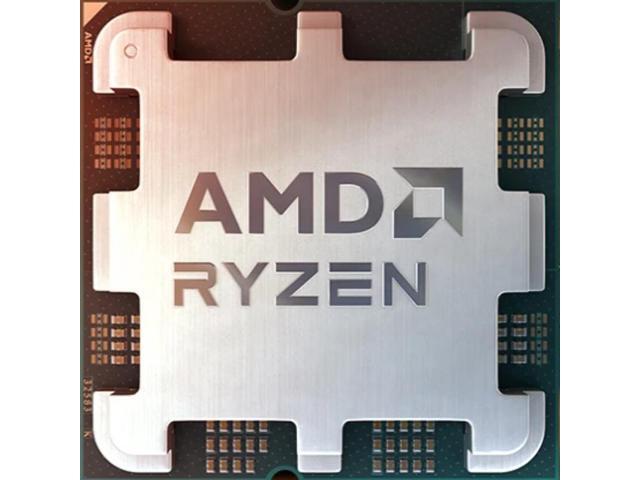
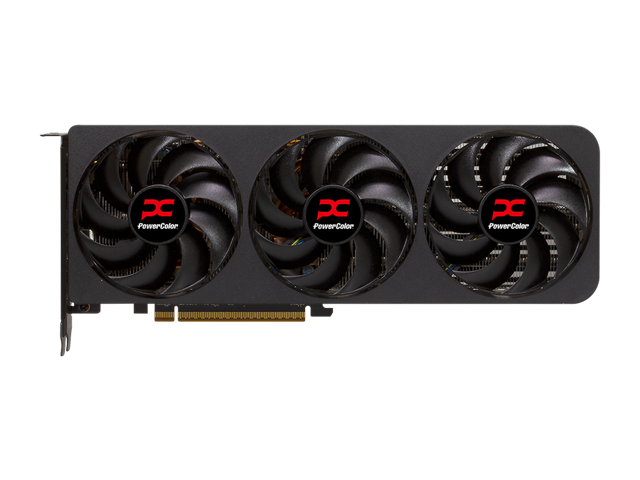
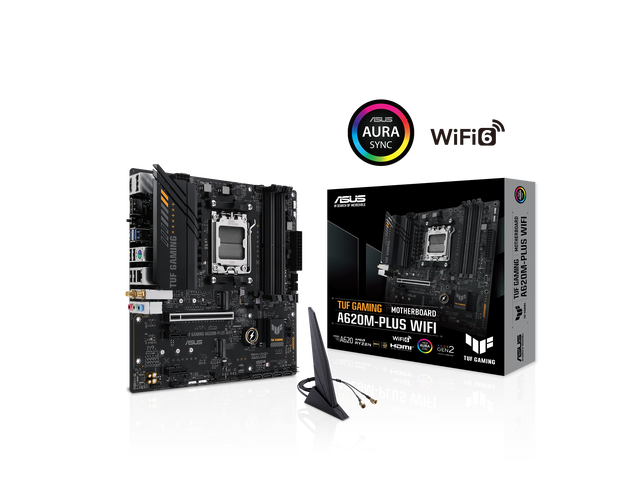
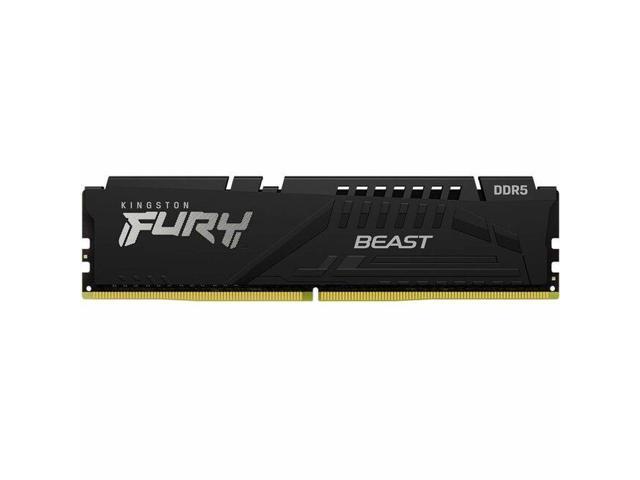
Complete your setup
Add peripherals and extra storage to your build. Add as many as you like - each one drops into the list above.
Storage
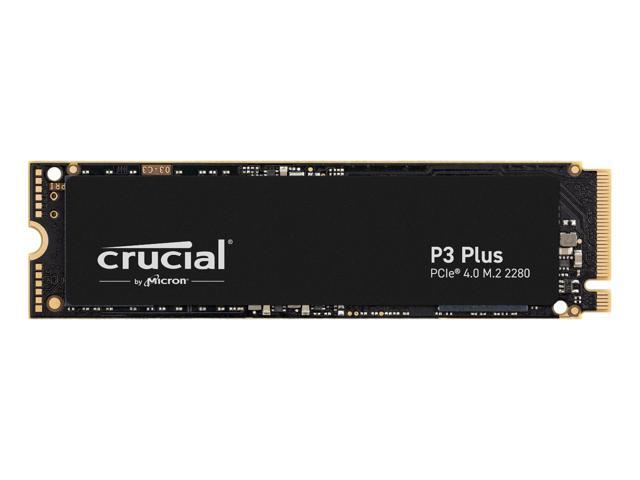
Storage
Crucial P3 Plus 2TB
2000GB NVMe Gen4
Headset
Headset
SteelSeries Arctis Nova 7 Wireless
Wireless 2.4GHz + Bluetooth
Microphone
Microphone
Elgato Wave:3
USB condenser · capacitive mute
Webcam
Webcam
Logitech Brio 500
1080p60 · auto-framing
Speakers
Speakers
Edifier R1280T
Powered bookshelf · RCA
Keyboard
Keyboard
Keychron K8 Pro
Wireless · hot-swap mechanical
Mouse
Mouse
Logitech G502 X
Wired · 13-button
Controller
Controller
Xbox Wireless Controller
Wireless · the safe default
Mousepad
Mousepad
Corsair MM300 Extended
Extended cloth · anti-fray

Refurbished business machines from the same bench that powers this site. Next batch is being tested now - get first pick when stock lands.
You're signing up with Adopt A Laptop · privacy
Prices are approximate street prices - confirm current pricing at the buy links. Core parts are chosen for performance-per-dollar and checked for balance so nothing bottlenecks the rest. Peripherals are optional picks, not part of the balance check. Share links pin every part by ID, so a shared build stays exactly what you sent.
Prices are approximate street prices, so confirm the current price at each buy link. Your build gets a shareable link - send it to a friend or come back to it later.
How these builds get picked
This is not a parts list someone wrote in January and forgot about. The generator solves each budget fresh, against the prices and stock our database sees right now:
- GPU first. Frames come from the graphics card, so it gets the biggest slice of the budget and everything else is chosen to serve it.
- Value math, not spec sheets. At normal budgets we rank parts by score-squared-per-dollar - squaring the score means a genuinely faster part can justify a higher price, but a small performance bump at a big markup loses. Once budgets go premium, the math relaxes and raw performance takes over, because nobody buying a $3,000 machine wants the sensible choice.
- Compatibility is enforced, not suggested.Socket to motherboard, DDR generation to platform, wattage to PSU tier, cooler to the CPU's actual TDP. The combinations you cannot click are the point.
- Balance is checked last. Every finished build runs through the same engine as the bottleneck calculator, so the CPU and GPU land within a few points of each other instead of one starving the other.
Why your build might look different next week
Part prices move daily (our Newegg feed syncs every morning; Amazon prices get hand-validated on top), and when a part's price goes stupid we bench it rather than recommend it - discontinued AM4 X3D chips at scalper prices are the current example. So the same slider position can produce a different, better answer next week. That is working as intended: a build generator that never changes its mind is just a stale listicle with buttons.
What the generator will not do: pick your case aesthetics (we choose for airflow and fit - whether you want RGB is between you and your conscience), or pick a monitor. For the screen, take your generated GPU to Monitor Match; for the power math behind the PSU choice, the PSU calculator shows its work, transient spikes included.
Real Questions, Straight Answers
Questions people actually search for, answered with numbers from the same dataset this tool runs on.
How Much Faster Would a New PC Actually Be?
Computed FPS deltas between real old systems and their 2026 replacements - including the popular flagship swap that comes out far smaller than its price tag suggests.
Should I Upgrade My CPU or GPU First?
One budget, two candidates. The decision rule that settles it, the resolution wrinkle that flips it, and the trap that wastes the money on both.
Is My CPU and GPU Combo Good?
What makes a CPU + GPU combo good, judged with real numbers - including verdicts on the exact combos people search for most.
Is My PC Build Balanced?
The five checks that define a balanced build - CPU/GPU match, RAM, PSU headroom, monitor fit, storage - and the order to run them in.
Frequently Asked Questions
How much should I spend on a gaming PC in 2026?
For 1080p gaming at 60+ FPS, budget around $700-1000. For 1440p at high refresh rates, $1000-1500 is the sweet spot. For 4K gaming, expect to spend $2000-2500+. RAM and GPU prices are significantly higher in 2026 due to the GDDR7 shortage and DDR5 demand.
What percentage of my PC budget should go to the GPU?
For a gaming PC, roughly 35-40% of your total budget should go to the GPU. The CPU should get about 15-20%, with the rest split between RAM (10%), motherboard (12%), storage (8%), power supply (8%), and case (9%). The GPU is the single most important component for gaming performance.
Should I buy DDR4 or DDR5 RAM in 2026?
DDR5 is actually cheaper than DDR4 for 16GB kits in 2026 because DDR4 is end-of-life with limited production. A 16GB DDR5-5200 kit runs about $65 vs $159 for DDR4-3200. The only reason to go DDR4 is if you already own an AM4 motherboard or are pairing with a very cheap CPU like the Ryzen 5 5500.
What is the best budget gaming PC build in 2026?
The best budget gaming build in 2026 pairs an AMD Ryzen 5 5500 with an RX 6600 GPU, 16GB DDR4-3200 RAM, a B450M motherboard, and a 500GB NVMe SSD for around $700. For about $1000, you can step up to a Ryzen 5 7600X with an RTX 5060 on AM5 with DDR5, which gives you a much better upgrade path.