PC Case Finder
Select your motherboard, GPU, and build priority to get curated PC case recommendations at three price tiers.
Select Your Motherboard
Select Your GPU
OptionalSelect your GPU to check length compatibility. Skip if you'll verify clearance yourself.
Build Priority
All cases that fit your build
24 of 24 ATX-compatible cases. Filter to narrow.
Build priority
Radiator support
Features
Tier
Brand
Max price
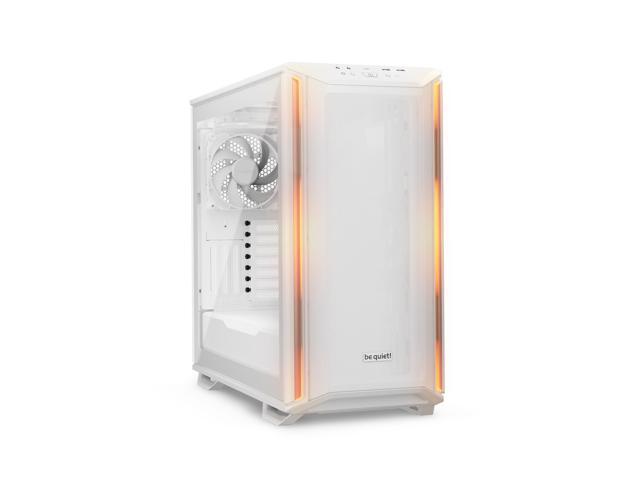
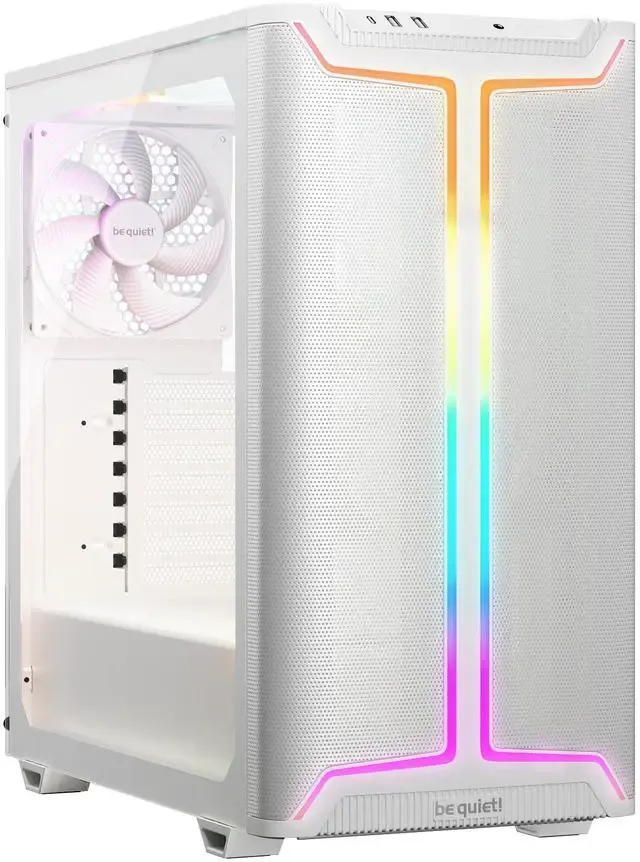
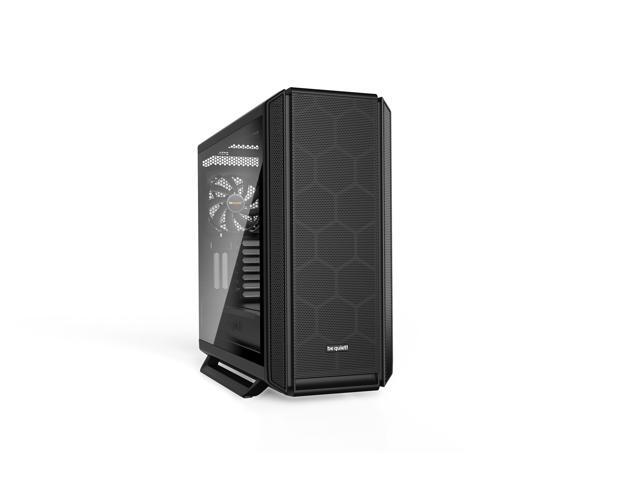
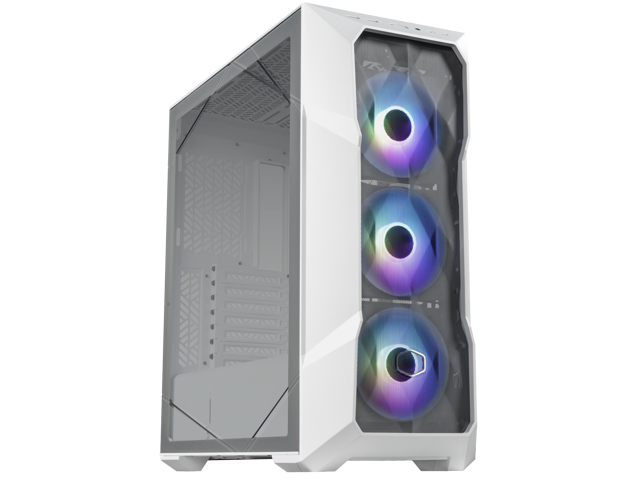
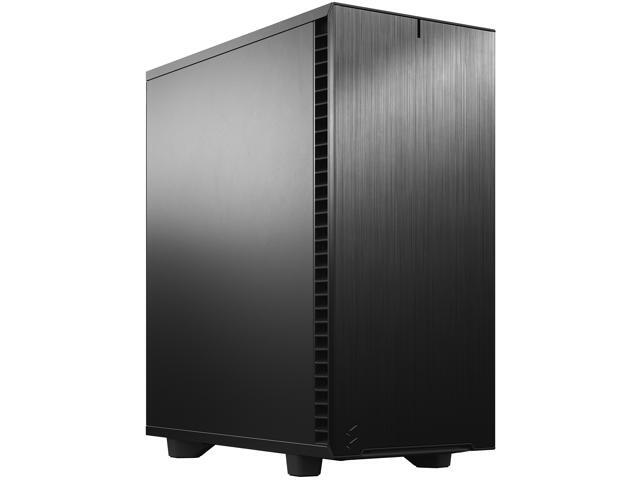
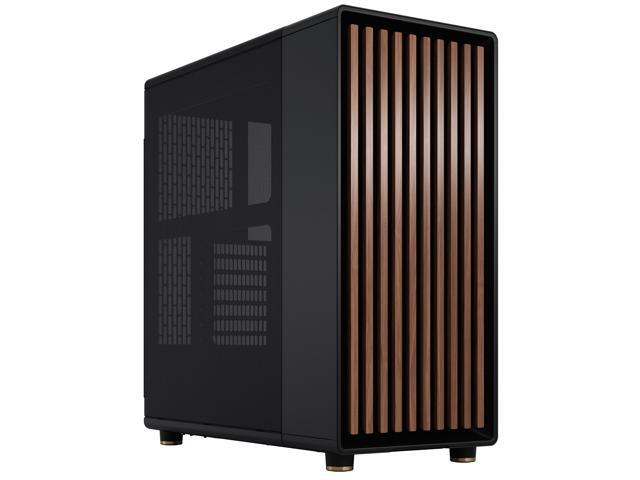
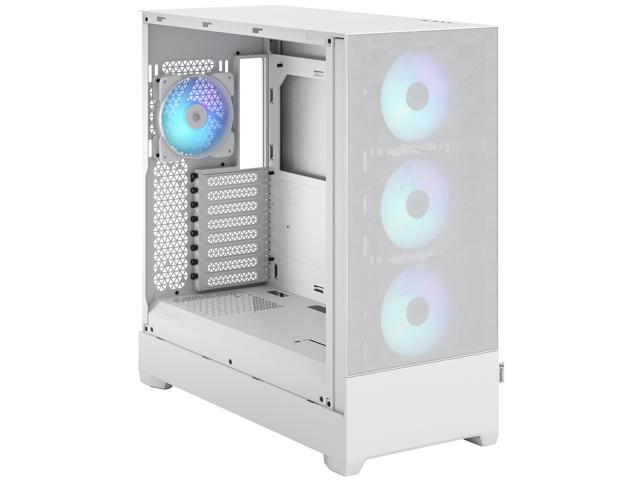
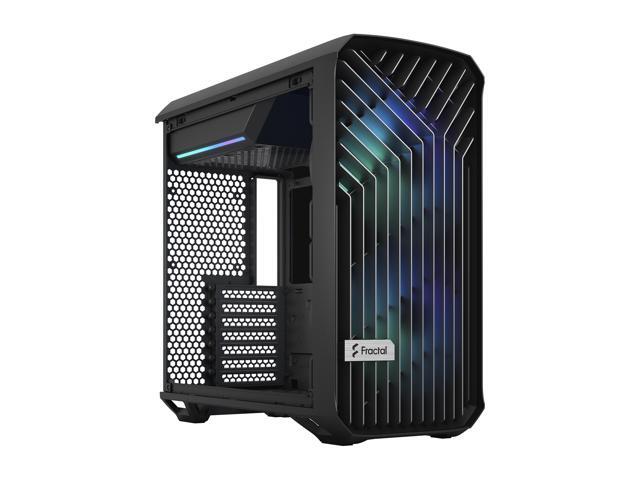
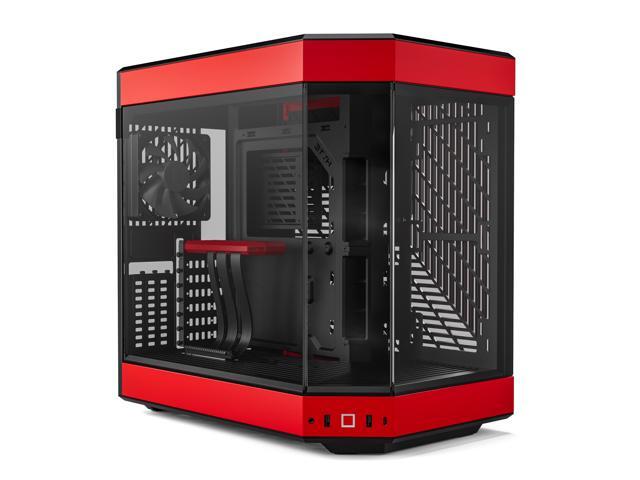
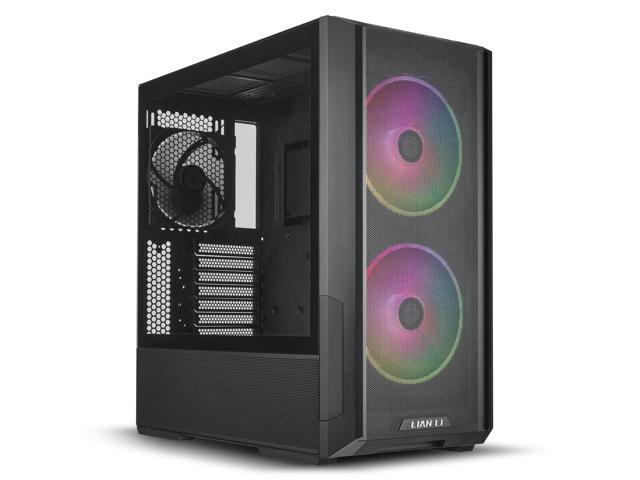
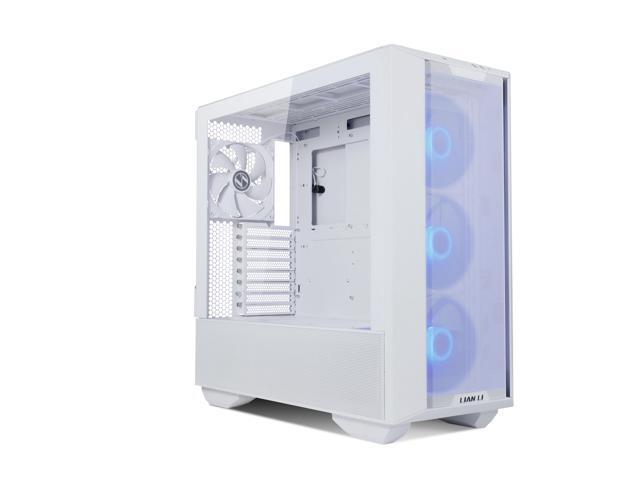
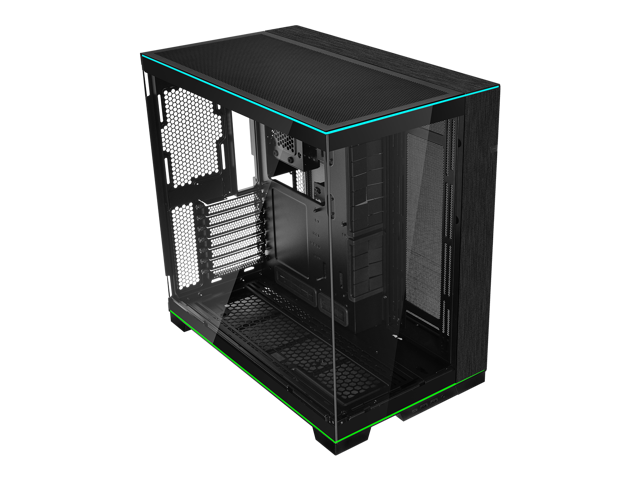
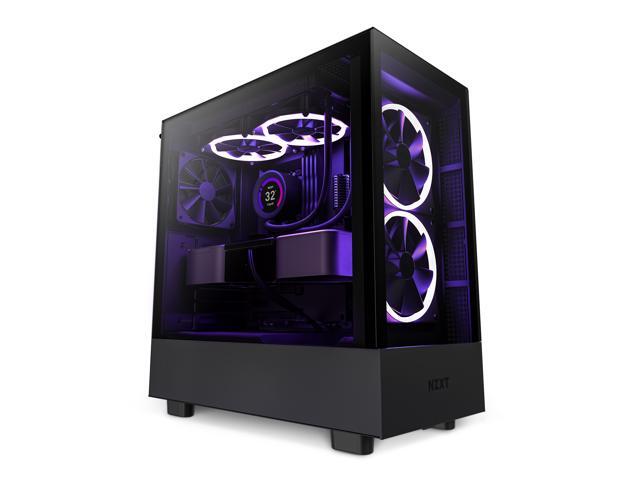
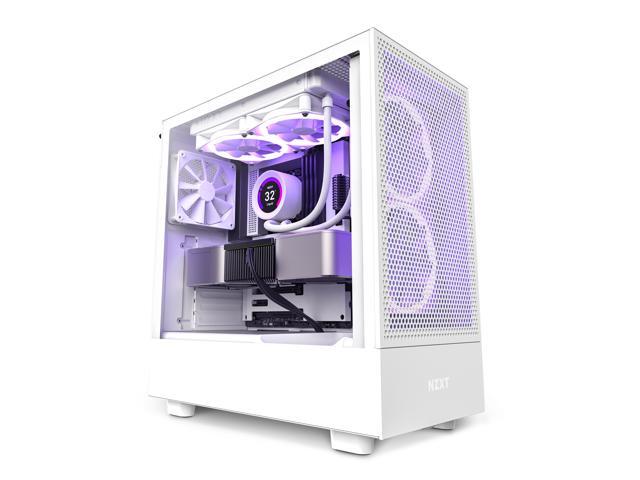
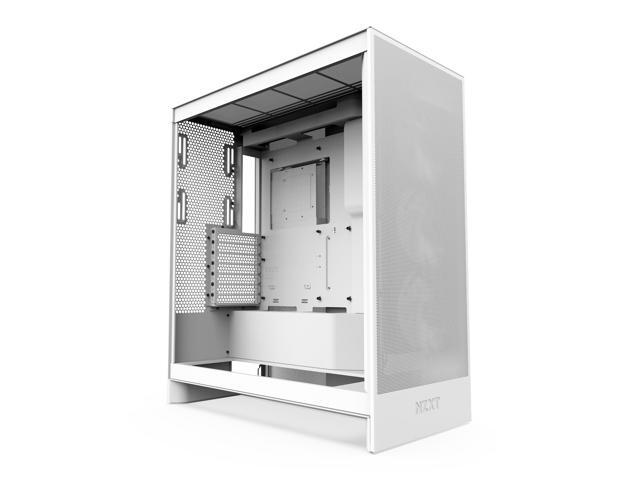
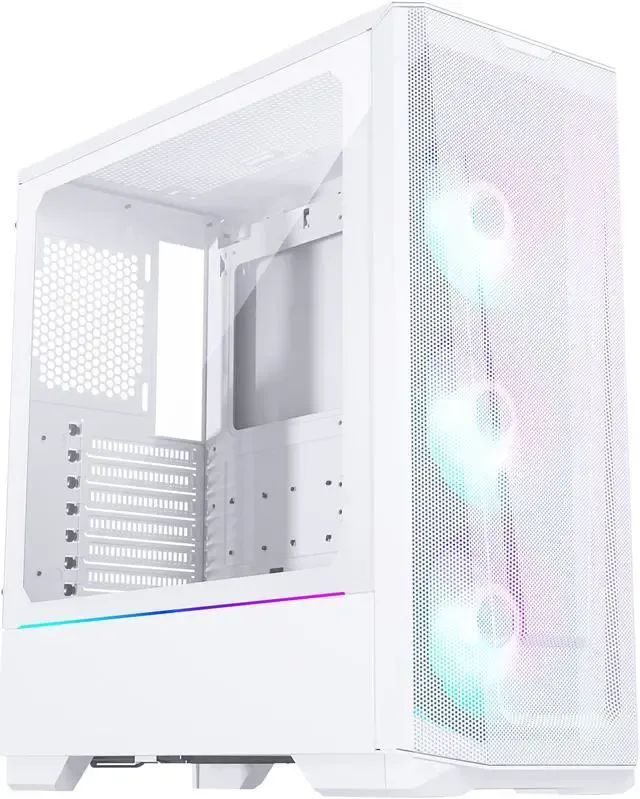
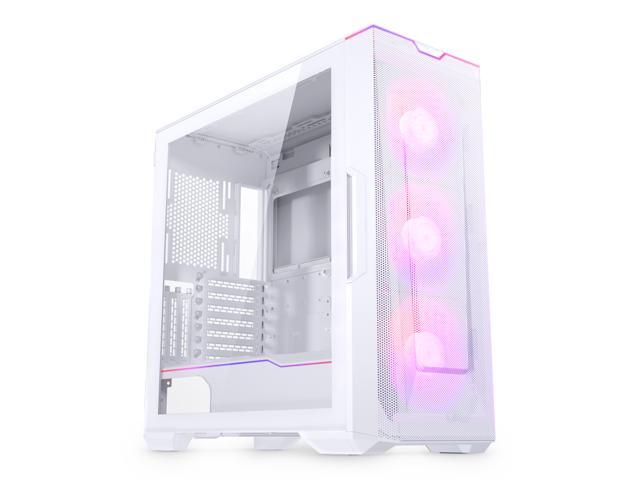
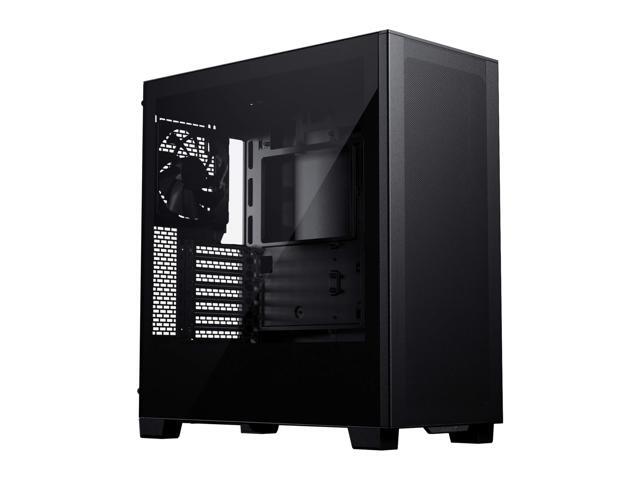
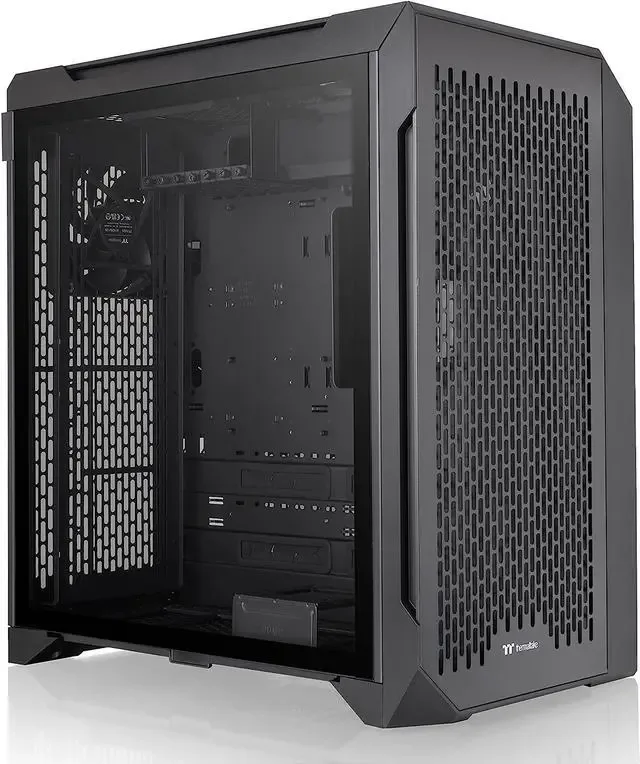

How to Choose the Right PC Case
Picking a case comes down to three questions: will your parts fit, will they stay cool, and does it suit your space and style. Start with fit- your motherboard form factor sets the minimum case size (ATX boards need an ATX mid-tower, Micro-ATX fits smaller cases, Mini-ITX goes in compact SFF builds), and your GPU length has to clear the case's maximum spec. Modern flagship cards like the RTX 5090 are long, so check clearance before you buy.
Next is cooling. A mesh front panel runs 5-15C cooler than a solid glass front, which matters most for high-TDP GPUs. If your card runs hot, prioritize airflow over looks - or grab one of the cases that does both well. Finally, match the case to the rest of your build: our pre-built configurations pair a correctly sized case with every GPU tier, the PSU calculator tells you the power supply that fits, and the bottleneck calculator confirms your CPU and GPU are balanced before you spend anything.
What the finder just checked (and what it can't)
Every case in our database carries measured specs - max GPU length, max cooler height, radiator support, form factor, drive bays. When you pick a motherboard and GPU, the finder hard-gates first: wrong form factor is out, and any case your card physically cannot enter is out, no matter how nice it looks. What is left gets scored on clearance (we want 20mm+ of spare room, ideally 50mm - cables need somewhere to live), cooling headroom for your GPU's heat class, and your chosen priority. Good / Better / Best is that score, not a price ladder - sometimes the Best pick is also the cheapest, and we see no reason to hide that.
Two honest caveats. We estimate your GPU's length from its power class (big 300W+ cards get budgeted at ~340mm including margin) because board partners ship the same chip in wildly different lengths - a compact RTX 5080 and a triple-fan monster are both real products. Before ordering, check your exact model's length against the case spec. And if you plan a front-mounted radiator, subtract another 30-60mm from the listed GPU clearance - the single most common fit mistake, because case marketing pages love to quote clearance with the front fan tray empty.
Landed here researching the MSI MAG B650E Tomahawk WiFi? Fair warning: that exact board is a widely copy-pasted typo - we wrote up the real board it refers to, what it costs now, and what fits it.
Frequently Asked Questions
What size PC case do I need?
Your case size depends on your motherboard form factor. ATX boards need an ATX mid-tower or full tower. Micro-ATX (mATX) boards fit in mATX or ATX cases. Mini-ITX boards fit in any case size but are designed for compact SFF cases. Most gamers go with an ATX mid-tower - it fits everything and has the best airflow options.
How do I know if my GPU will fit in a case?
Check your GPU's length (in mm) on the manufacturer's website, then compare it to the case's maximum GPU clearance spec. Most ATX mid-towers support GPUs up to 350-420mm. Add 10-20mm safety margin for power cables. Front-mounted radiators can reduce available GPU space by 30-60mm.
Is airflow or aesthetics more important for a PC case?
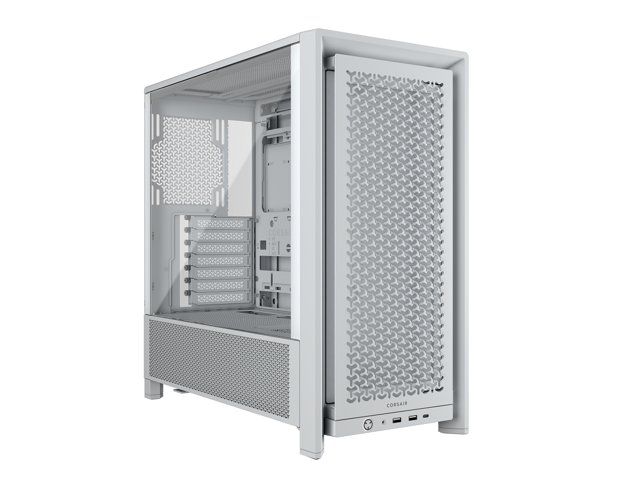
Airflow is more important for performance and component longevity. Mesh front panels deliver 5-15C lower GPU temperatures compared to solid glass fronts. However, many modern cases offer both - the Corsair 4000D Airflow and Lian Li Lancool III are attractive AND have excellent airflow. You rarely need to choose one or the other.
Do I need a full tower or is a mid-tower enough?
A mid-tower is enough for 95% of builds. Full towers are only needed if you have an E-ATX motherboard, want a custom water cooling loop with multiple radiators, or need 6+ hard drive bays. Mid-towers fit ATX boards, 360mm AIOs, and even the longest GPUs. They're also easier to move and take up less desk space.
What is the best PC case for cable management?
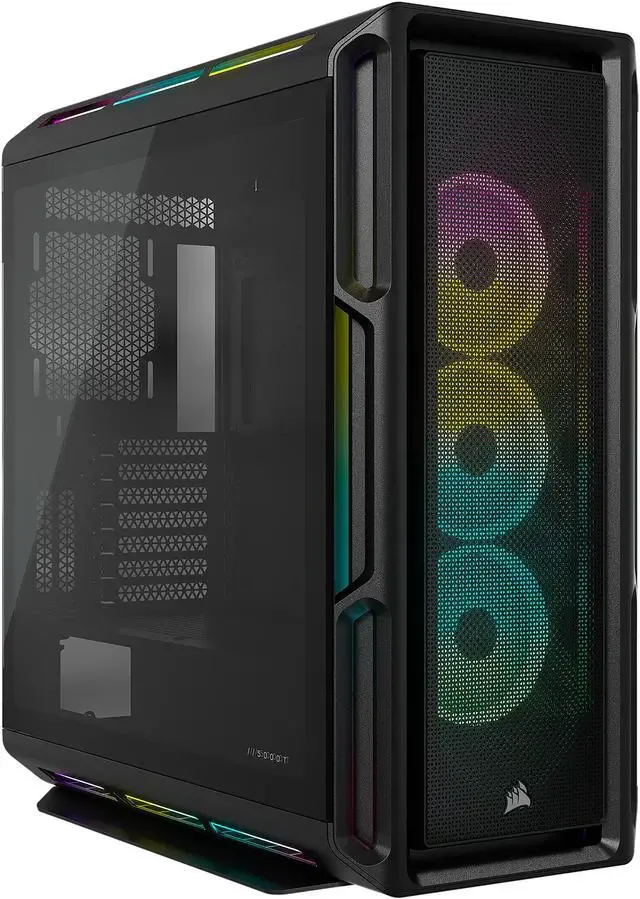
Cases with dual-chamber designs (like the Corsair 5000D or Lian Li O11 Dynamic) offer the best cable management because they hide all cables behind a separate partition. For traditional layouts, look for cases with at least 20mm of space behind the motherboard tray, rubber grommets, and pre-routed cable channels. Corsair, Lian Li, and Fractal Design consistently excel at cable management.
Can I use an ATX power supply in a Micro-ATX case?
Most micro-ATX cases support standard ATX power supplies - check the case specs to confirm. Mini-ITX (SFF) cases usually require smaller SFX or SFX-L power supplies, which cost more but are necessary for compact builds. Never force a PSU that doesn't fit - it blocks airflow and can damage components.
Is this a PC case compatibility checker?
Yes - that is its main job. Tell it your GPU and motherboard form factor and it only returns cases every part physically fits: GPU length against real listed clearance, radiator support, and PSU form factor. People search for this tool as a case finder, case picker, case selector, or case compatibility checker - same job either way: no mid-build surprises.
How do I compare PC cases side by side?
Filter first, then compare the survivors. The finder narrows roughly 50 cases down to the handful that fit your parts and your priority - airflow, quiet, compact, or looks - each with its clearances and current price on one screen, which beats cross-referencing spec sheets in a dozen browser tabs. The buying guide below covers how to weigh the finalists.