The 28 Best Last-Minute Back to School Deals
Some links in this guide are affiliate links - we may earn a commission at no extra cost to you.
Every year the back-to-school advice is the same: grab a laptop, throw in a RAM upgrade, add an SSD, done. In 2026 half of that is actively bad advice, and it is worth understanding why before you spend anything.
Two things happened to component prices this year and they went in opposite directions. Memory and storage got crushed by AI datacenter demand: a 32GB DDR5 kit that cost about $75 in early 2025 is near $400 now, and a Samsung 990 Pro 2TB has gone from roughly $133 to about $355. Meanwhile panel oversupply did the reverse to displays. A 27-inch 1440p 240Hz OLED, the exact thing that cost $800 to $900 in 2024, now starts near $315 in our own catalogue and fills out the $350 to $400 band, and Samsung spent this month knocking $200 to $600 off its Odyssey OLED line.
So the money goes somewhere different this year. Below are 28 things worth buying in the last stretch before term, grouped by what they are for, with what each one is actually good at. Prices are hedged because they move daily, and the two categories to walk past are at the bottom.
The short version
If you buy one thing on this page, make it a display. It is the only major component that got dramatically cheaper in 2026, it is the part you stare at for four years, and $300 spent here is a bigger real-world upgrade than $300 spent anywhere else in a student setup right now. A 27-inch 1440p panel at 240Hz for about $300 is a specification that cost roughly double two years ago.
At a glance
Laptops
Laptop discounting peaks twice each summer, in the last days of July and again in the middle of August, which means late August is the tail of the second peak. Chromebooks under $400 have been running 20 to 35 percent off and Windows ultrabooks in the $700 to $1,200 band 15 to 25 percent, per the ShopBack sale calendar. If you have not bought yet, you have not missed much, but you are no longer early.
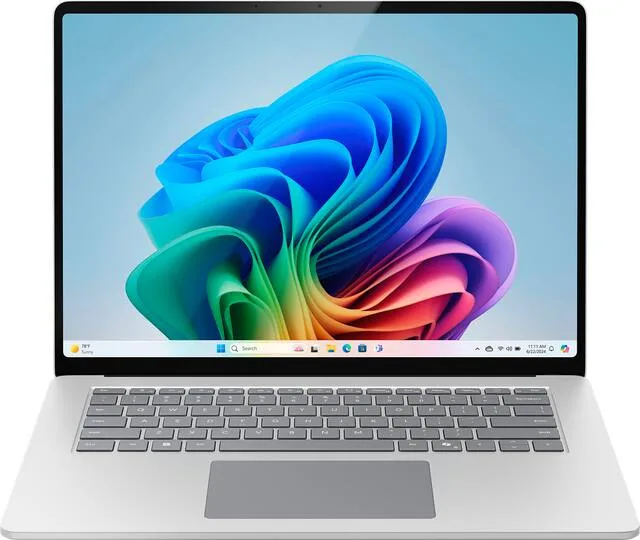
Two discounts here need your student status and are worth the two minutes: Apple education pricing runs from mid-July into October, and Microsoft takes up to 10 percent off Surface hardware when you verify with a school email.
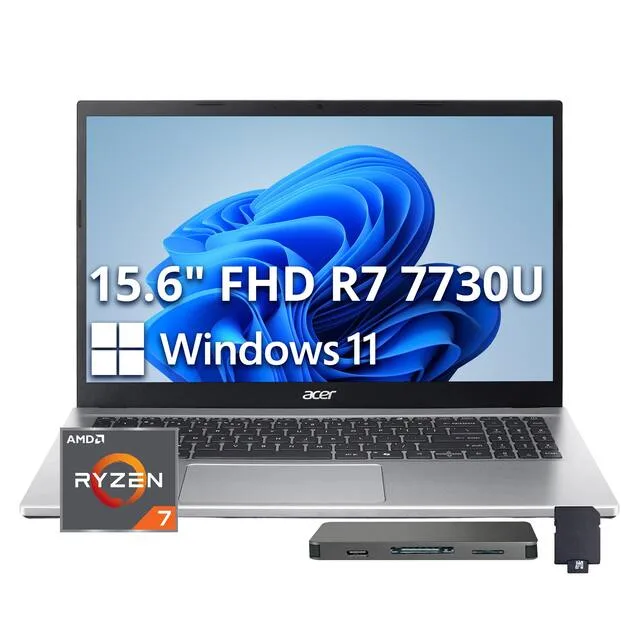
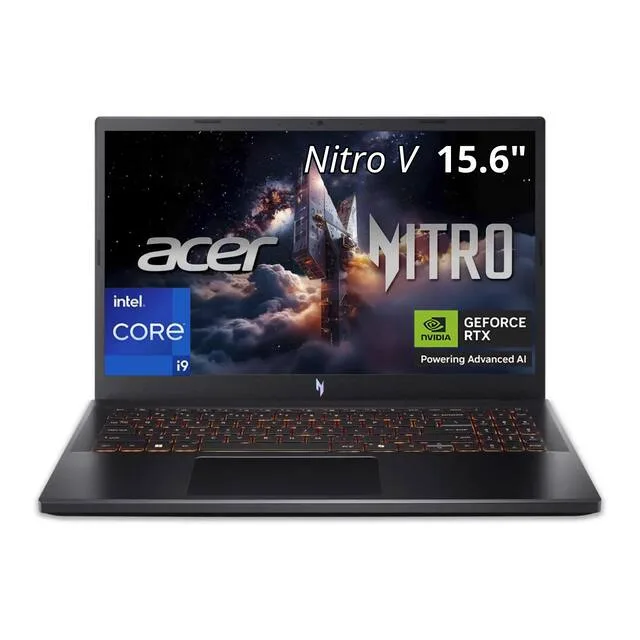
For essays, lecture slides, a browser with thirty tabs and a Zoom call, this is enough computer. The temptation at this price is a Chromebook, and the reason to take the Acer instead is that it runs the actual Windows software a course might require you to install, which is the thing that ends up mattering in week six of a term.
Buy it understanding what $330 does not get you: the panel is dim and flat, and the chassis flexes. Neither stops it doing the job.
The catch: The screen is the compromise, and you will notice it next to anything OLED.
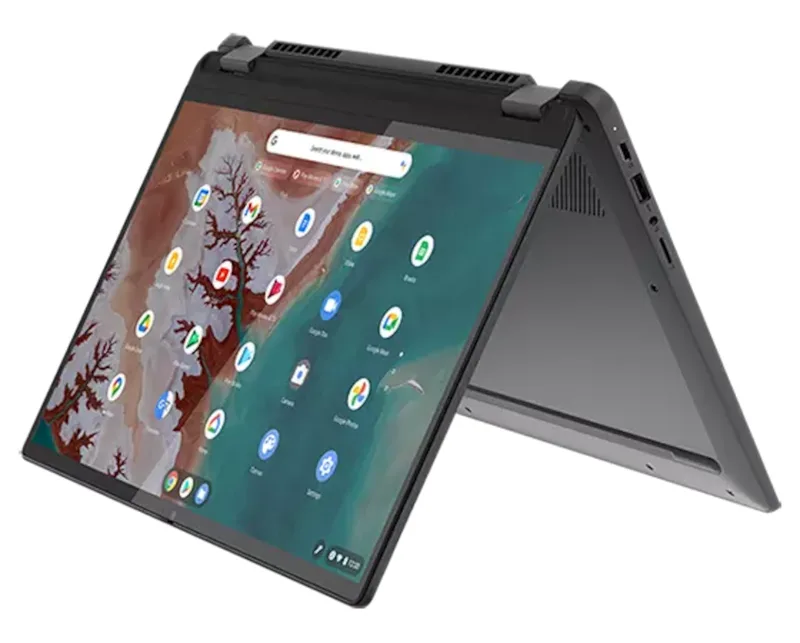
The sweet spot of the whole laptop market for a student. 16GB of RAM matters more than any other single specification on a machine you intend to keep for four years, and it is the thing budget laptops cut first. The Flex 5 keeps it, folds flat for reading and note-taking, and takes pen input.
At $550 to $650 it is doing something the $330 machines cannot and something the $950 machines do not do better in any way you will notice during a lecture.
The catch: Battery life is good rather than exceptional, which is the price of the 360-degree hinge.
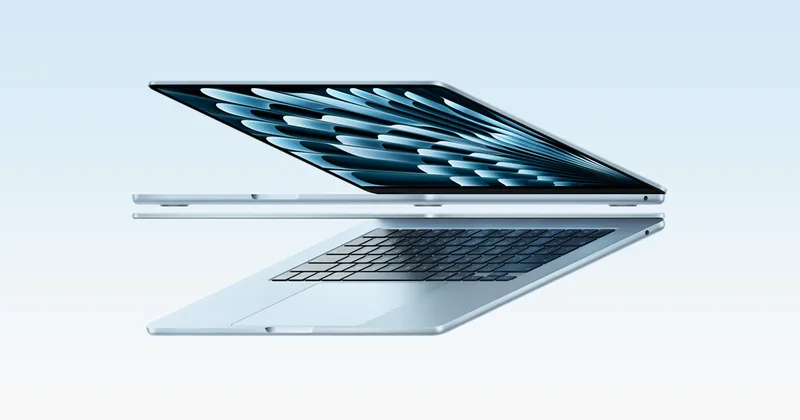
The battery is the argument. An Air will get through a full day of classes without you thinking about a charger, and the fanless chassis means it does that silently. Build quality holds up over the years in a way that $900 Windows laptops generally do not, and resale value at graduation is genuinely better.
Check the education store before Amazon on this one, since Apple's academic pricing runs into October and usually beats the retail discount.
The catch: If your course mandates Windows-only software, none of the rest of this matters.
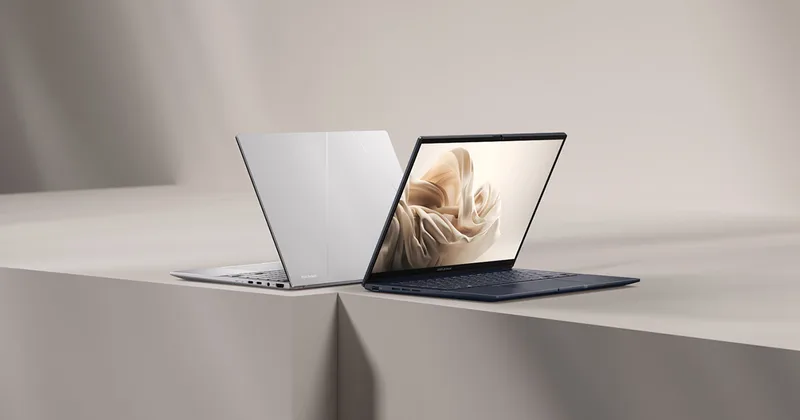
Monitors, where the actual bargains are
This is the one category where the 2026 market is on your side, and three major retailers are running simultaneous events. Samsung's promotion runs through Labor Day and is a straight price cut with no proof of enrolment required: Forbes reported the 27-inch Odyssey OLED G6 down $200 to $399.99 and the 49-inch Odyssey OLED G9 down $600 to $1,099. Best Buy's monitor sale has been live since early August with prices from $89.99 and up to $700 off. Dell's runs to 31 August.
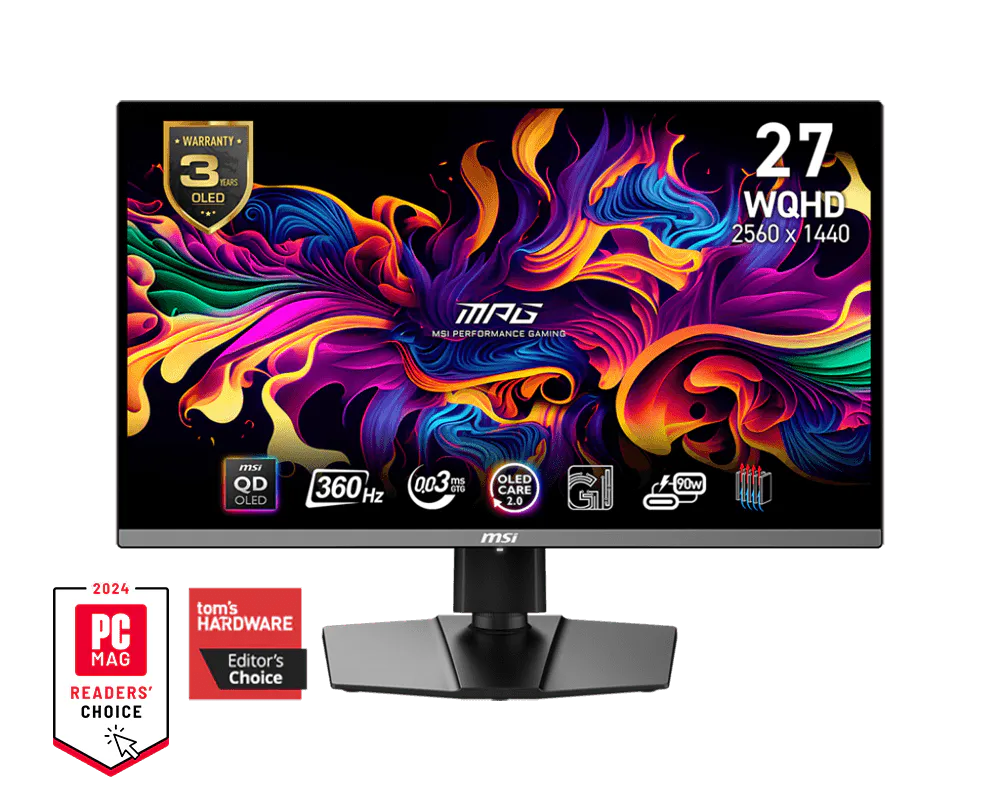
Worth knowing before you shop: entry OLED has fallen further than the headline sales suggest. Across the 20 OLED monitors we track, the cheapest 27-inch class 1440p panel sits near $315 and the bulk of the field lands between $350 and $400. The card below at $630 is the premium end, not the price of admission.
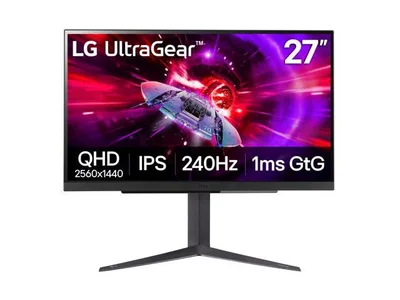
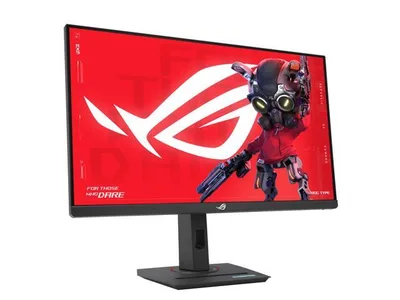
1440p at 240Hz on a good IPS panel for about $300 is the specification that used to cost twice this, and it is the most useful monitor a student can own. It is sharp enough that text stays crisp for coursework, fast enough that games feel right, and bright enough to survive a room with a window, which is where OLED struggles.
The reason this beats the OLED options for most people in a dorm: no burn-in question on a screen showing a static taskbar eight hours a day, and no need to manage screen savers around it.
The catch: Contrast is ordinary next to an OLED, which you will only notice if you have one beside it.
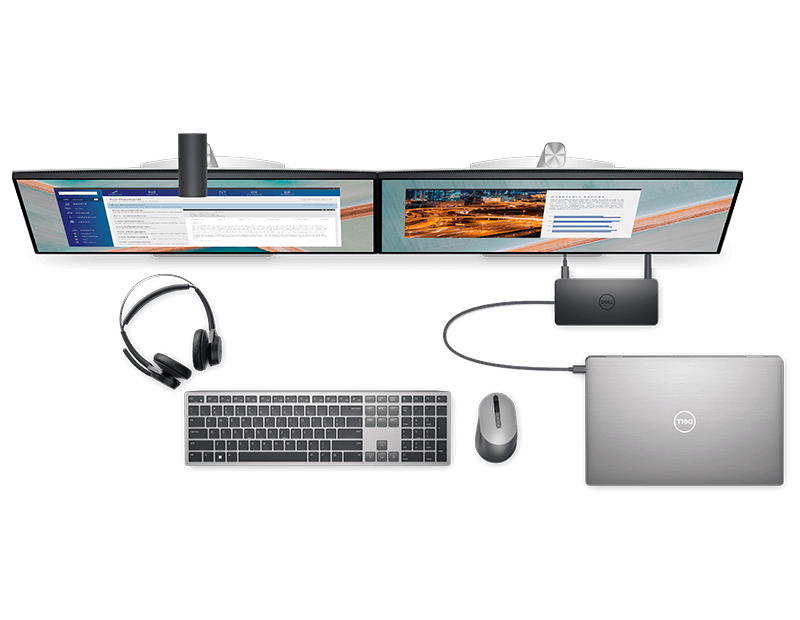
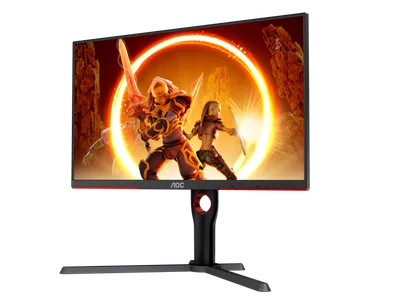
If $400 is too much display for the budget, this is the honest floor. 1440p at 165Hz on a well-calibrated IPS panel covers everything a student actually does, and Dell's warranty support is the best in the category by some distance.
The reason it is here rather than a cheaper 1080p panel: 1440p on a 27-inch screen is the difference between a monitor you tolerate and one you enjoy, and the gap in price is now small enough to stop being an argument.
The catch: An IPS panel next to an OLED looks grey, and once you have seen the OLED you cannot unsee it.
Desk and chair, the part everyone skips
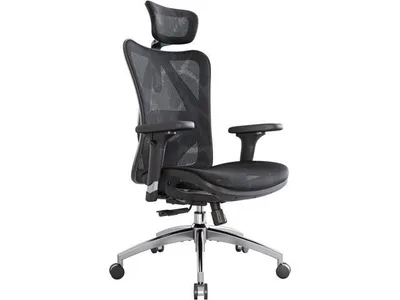
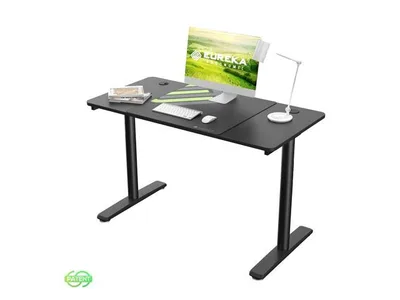
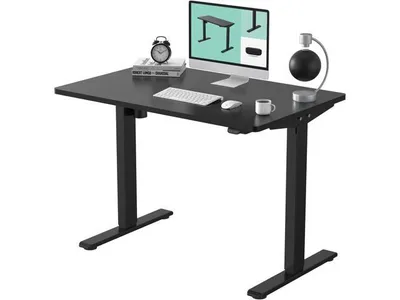
You will spend more hours in the chair than on the laptop. Furniture did not inflate this year, so this is cheap ground to buy.
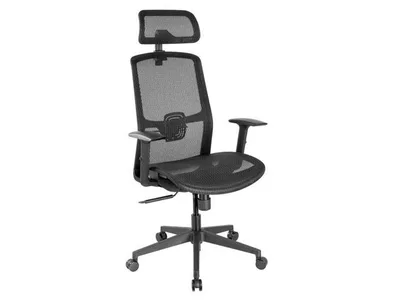
Around $100 is where chairs stop being furniture-shaped objects and start having actual lumbar support, and this is the one that clears the bar by the widest margin. Mesh back, adjustable height and tilt, and it will survive four years of daily use.
The gaming chairs at this price are worse in every way that matters. They look more exciting and they support your back less.
The catch: The armrests adjust in one direction only, and taller people will want more seat depth.
Keyboard, mouse and audio
None of this got more expensive this year, and the budget end has quietly become very good.

Genuine low-latency wireless at $35 with a sensor that nobody has a real complaint about, and battery life measured in months rather than days. It has been the default recommendation at this price for years because nothing has undercut it.
For a student desk the wireless part matters more than the gaming part: no cable to snag when the laptop moves between the dorm and the library.
The catch: It runs on a AA battery rather than recharging over USB, which some people love and some find archaic.

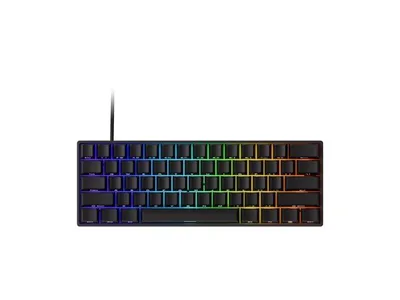
A hot-swappable mechanical keyboard at $40 that connects over Bluetooth, USB or its own wireless dongle. Hot-swap matters because it means you can change how it feels later without buying another keyboard, which is how a cheap first mechanical stops being a throwaway purchase.
The small footprint is a real advantage on a dorm desk that also has to hold a laptop and a textbook.
The catch: 60% layout means no arrow keys or function row without holding a modifier, which is a genuine adjustment for spreadsheet work.


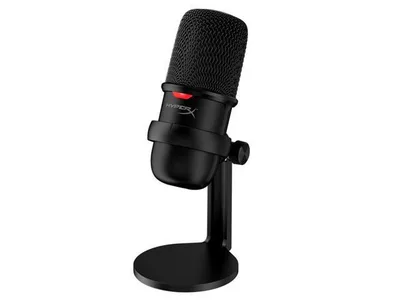
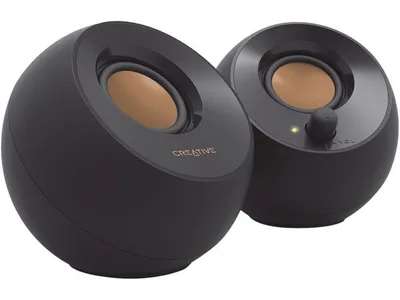
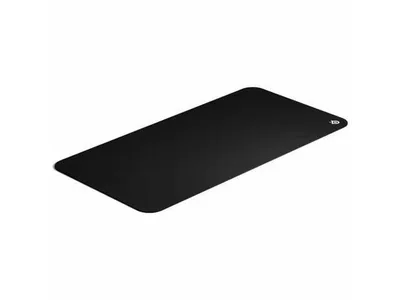
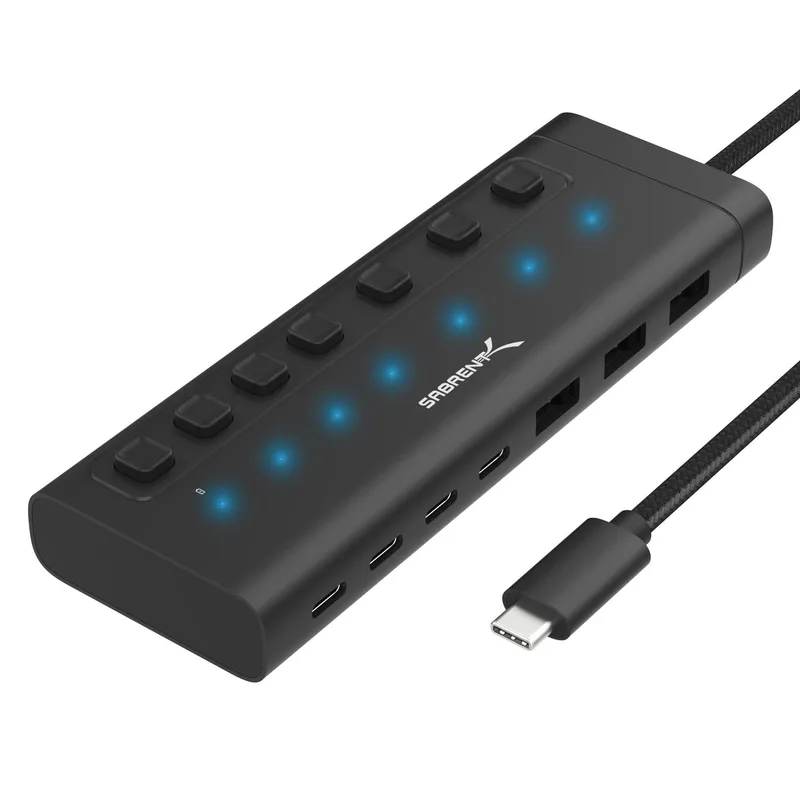
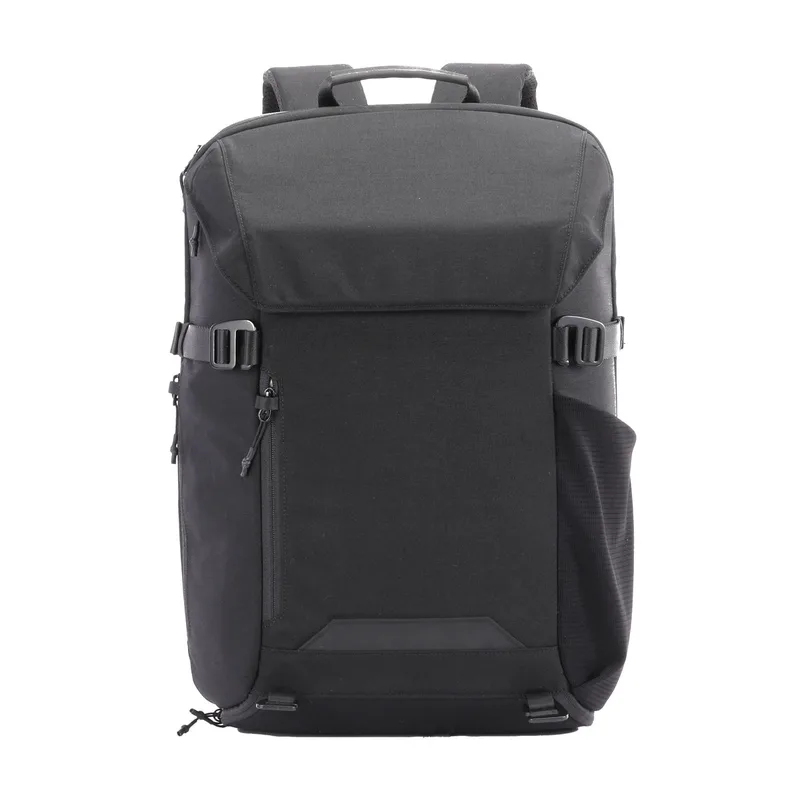
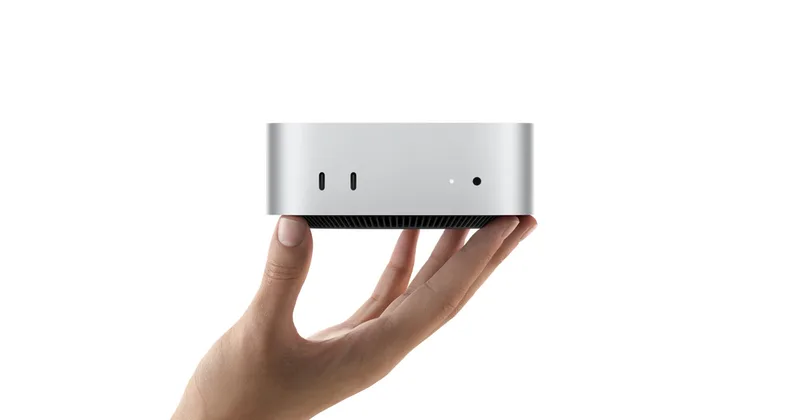
Small things that make a dorm desk work
The two things to walk past
RAM upgrades. This is the single worst category in the market. A 32GB DDR5 kit went from roughly $75 in early 2025 to near $400 now, driven by AI datacenter demand that shows no sign of easing before Q4. If a laptop already has 16GB, that is enough for coursework and you should leave it alone. If you are choosing between two laptops, pay for the one that ships with more memory rather than planning to add it later, because adding it later has never been more expensive.
SSD upgrades. Same story, same cause. A Samsung 990 Pro 2TB has gone from about $133 to roughly $355. Buy the capacity the machine ships with, put coursework in cloud storage, and revisit in a year. If you genuinely need more space now, an external drive is the cheaper route than a second internal one.
Both of these are covered in more depth in our RAM and SSD pricing guide, which we update as the market moves.
The bottom line
The single best-value purchase available to a student this month is a discounted OLED monitor, because it is the only major component whose price collapsed while everything else climbed. After that, spend on the chair, because you will use it more than anything else on this page.
Be deliberate about memory and storage, which are the two categories where 2026 pricing is genuinely punishing and where the usual back-to-school upgrade advice is a year out of date.
If you want the desktop route instead of a laptop, our back-to-school build guide has three complete machines at fixed budgets, and the laptop guide ranks ten student laptops with honest negatives on each. If you already have a machine and want to know whether a new part will actually help it, the bottleneck checker will tell you which component is holding it back before you spend anything.
Prices quoted are the street prices we track and the sale prices reported in the coverage linked above, checked on 19 August 2026. Retailer promotions run to the end of August or Labor Day and will expire. Everything moves, so confirm before you buy.
Found this useful? Pass it along:
Frequently Asked Questions
When do back to school tech deals end in 2026?
Most of the big retailer events run to the end of August or the Labor Day weekend. Samsung's monitor promotion runs through Labor Day, Dell's back-to-school sale is advertised to 31 August, and Best Buy's monitor event has been live since early August. Laptop discounting historically peaks twice, in the last days of July and again in the middle of August, so by late August you are shopping the tail of the second peak rather than the start of anything.
What is actually cheap right now?
Displays, peripherals and furniture. A 27-inch 1440p OLED that cost $800 to $900 in 2024 starts near $315 now, with most of the field between $350 and $400, and Samsung has been discounting its Odyssey OLED line by $200 to $600 during the back-to-school window. Mice, keyboards, headsets and desks have all stayed flat or fallen. What is not cheap is memory and storage, which have gone the other way hard.
Should I buy RAM or an SSD for back to school?
Only if the machine will not work without it. A 32GB DDR5 kit that cost about $75 in early 2025 runs near $400 now, and a Samsung 990 Pro 2TB has gone from about $133 to roughly $355. Those are the worst two categories in the market, so buy the smallest capacity that does the job and spend the difference on a display, where the same money buys far more.
Is a gaming laptop or a desktop better for a student?
A desktop gives you more performance per dollar and stays upgradeable, but it cannot come to the library. If the machine has to travel, buy the laptop and stop agonising. If it will live on one desk for four years, a desktop is the better machine and the better investment, and our back-to-school build guide covers three of them at fixed budgets.
Do I need a student discount to get these prices?
Usually not. Samsung's back-to-school monitor pricing is a straight point-of-sale reduction that needs no proof of enrolment. Where student status does help is Apple education pricing, which runs from mid-July into October, and Microsoft's Surface discount, which asks you to verify with a school email address.