Back to School 2026: The 10 Laptops Actually Worth Buying (and Everything That Goes With Them)
Some links in this guide are affiliate links - we may earn a commission at no extra cost to you.
Every back to school laptop list is written backwards: start with whatever pays the highest commission, sprinkle in some specs, call it advice. Here is the list written forwards instead - starting from what a semester actually looks like: eight hours away from an outlet, a backpack that gets dropped, forty browser tabs, one group project rendering a video at 2am, and maybe some ranked games after.
Ten laptops made the cut. For each one we tell you who it is for and what is wrong with it, because every laptop has something wrong with it and lists that pretend otherwise are selling you something. Some links earn us a commission; the negatives stay in anyway.
The quick version: most students should buy the MacBook Air M4 or the Zenbook 14 OLED and stop thinking about it. Tight budget, grab the IdeaPad Flex 5 or the $330 Aspire Go. Gaming on the side, start at the Nitro V. Then spend twenty minutes on the gear that goes with it, because the accessories decide whether the laptop is pleasant to live with.
The 10 laptops, ranked
1. Apple MacBook Air 13 (M4) - the default answer
The boring, correct pick. The M4 Air is fast enough for every non-specialized major, dead silent because it has no fan, light enough to forget in a bag, and the battery genuinely covers a full campus day with margin. It also holds resale value like nothing else on this list, which matters when you sell it after graduation. Apple's education store knocks it to around $899, and street prices dip below $950 regularly.
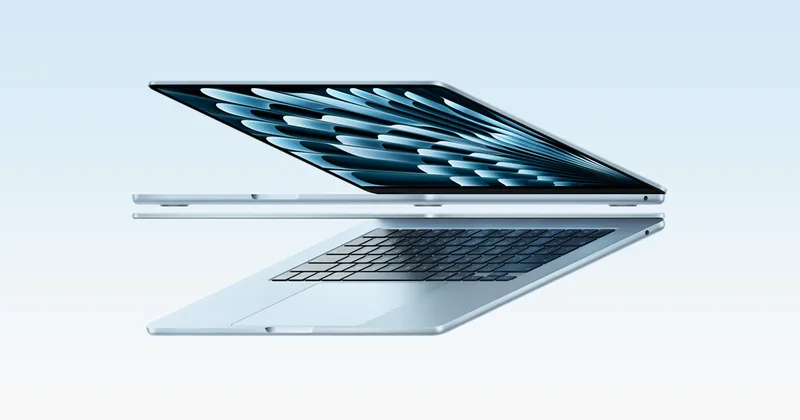
2. ASUS Zenbook 14 OLED - the Windows all-rounder
If you want Windows, this is the MacBook Air conversation-ender. Core Ultra chip, a 14 inch OLED screen that makes every other laptop on this list look washed out, 16GB standard, and 12+ hour battery life in a 2.8 pound body. It is the laptop reviewers keep calling the best all-around college machine this year, and for once the consensus is right.
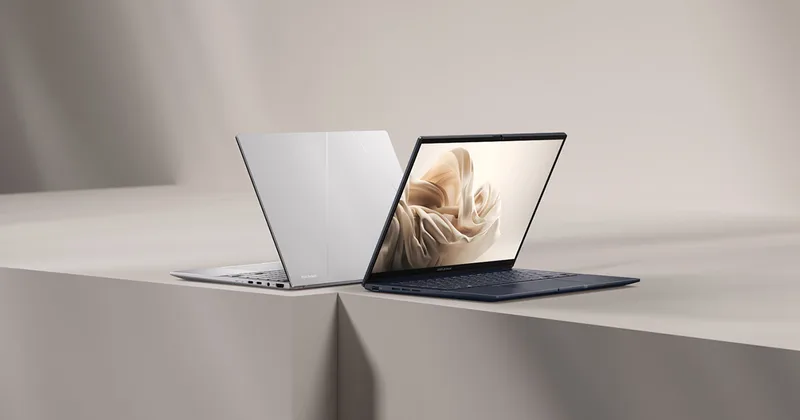
3. Microsoft Surface Laptop 7 (13.8) - the battery king
The Snapdragon X version of the Surface Laptop is the closest Windows gets to the MacBook Air formula: premium build, superb keyboard and trackpad, and battery life that tests keep clocking in the 15 to 20 hour range - the longest of anything here. Prime Day had it near $834, and student pricing shaves another 10%.
The honest catch: it runs Windows on ARM. In 2026 that covers the entire student workload - Office, browsers, Zoom, Spotify, most everything - but a handful of niche programs and some games with anti-cheat still refuse to run. Check the two or three specialty apps your major requires before choosing it.
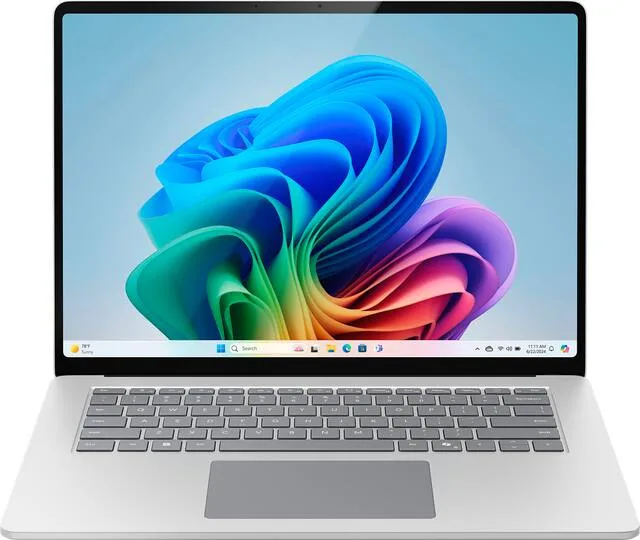
4. Lenovo IdeaPad Flex 5 - the budget 2-in-1
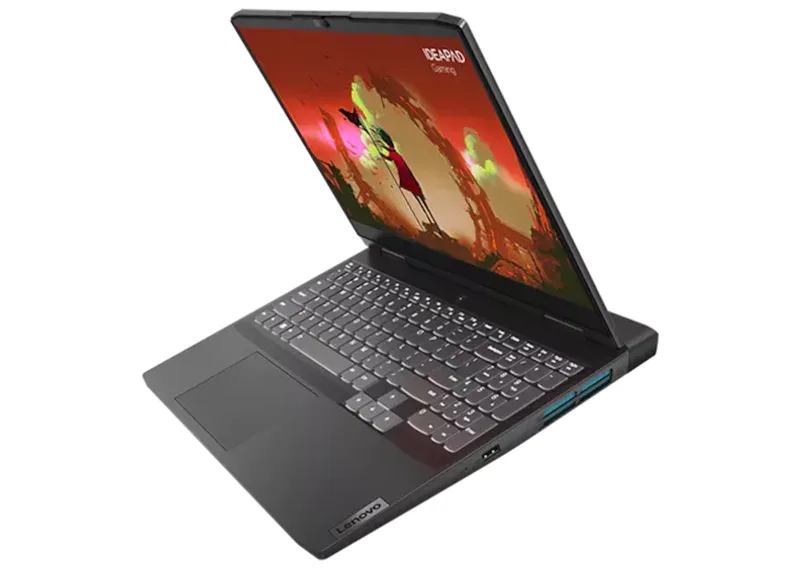
The Flex 5 is what sensible money looks like: a Ryzen chip with 16GB configurations around $550-650, in a hinge that folds flat for tablet-style reading and note annotation with a pen. For textbook-heavy majors that live in PDFs, the fold-back screen is quietly one of the most useful features a student laptop can have. It is not thin, not glamorous, and not trying to be.
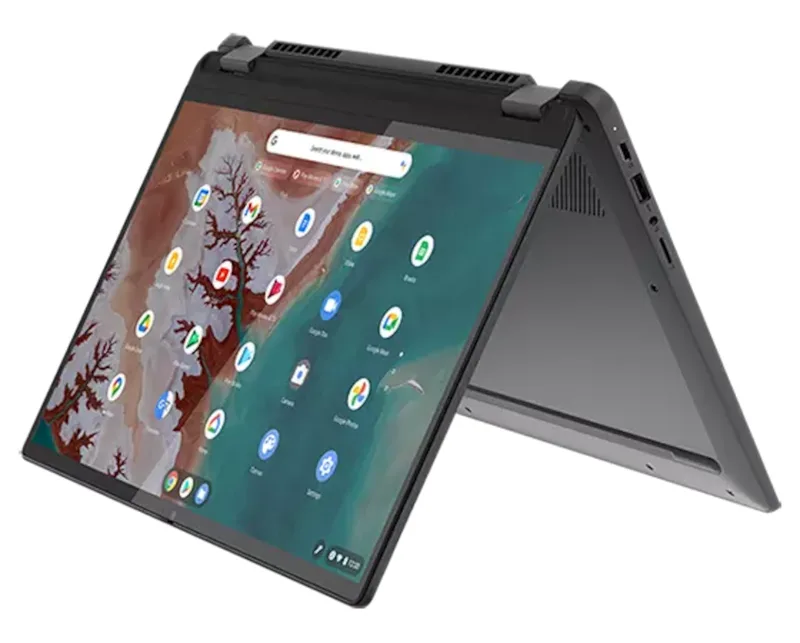
5. Acer Aspire Go 15 - the $330 essay machine
Amazon's overall budget pick for a reason: it is a big, honest, cheap laptop that types papers, runs 20 tabs, and streams lectures without drama. This is the "my budget is the budget" recommendation, and at this price it beats every used and refurbished gamble.
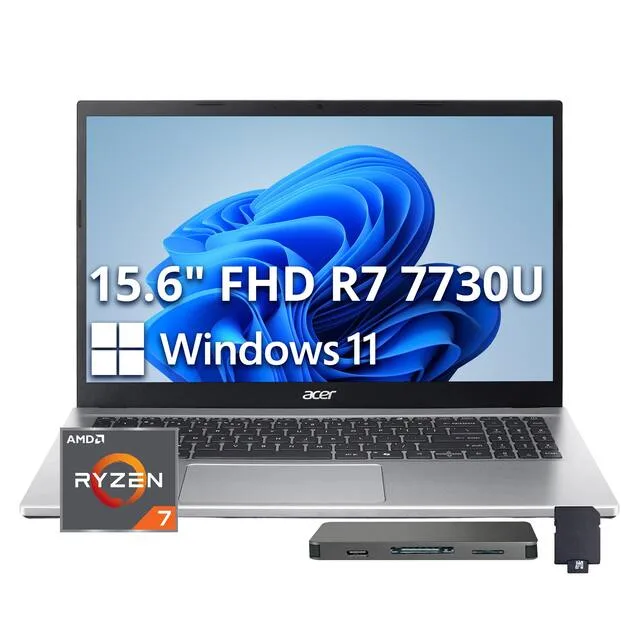
6. MacBook Air M2 (new-old-stock or certified refurb) - the cheap Mac route
Apple keeps selling last-generation Airs through retail partners and its refurb store, and the M2 at $650-750 is the quiet steal of the lineup. Same flat design as the M4, same silence, same all-day battery, and an M2 is still faster than most new Windows laptops at that price. Buy it from Apple's certified refurbished store or a retailer selling new-old-stock with full warranty, not a random marketplace seller.
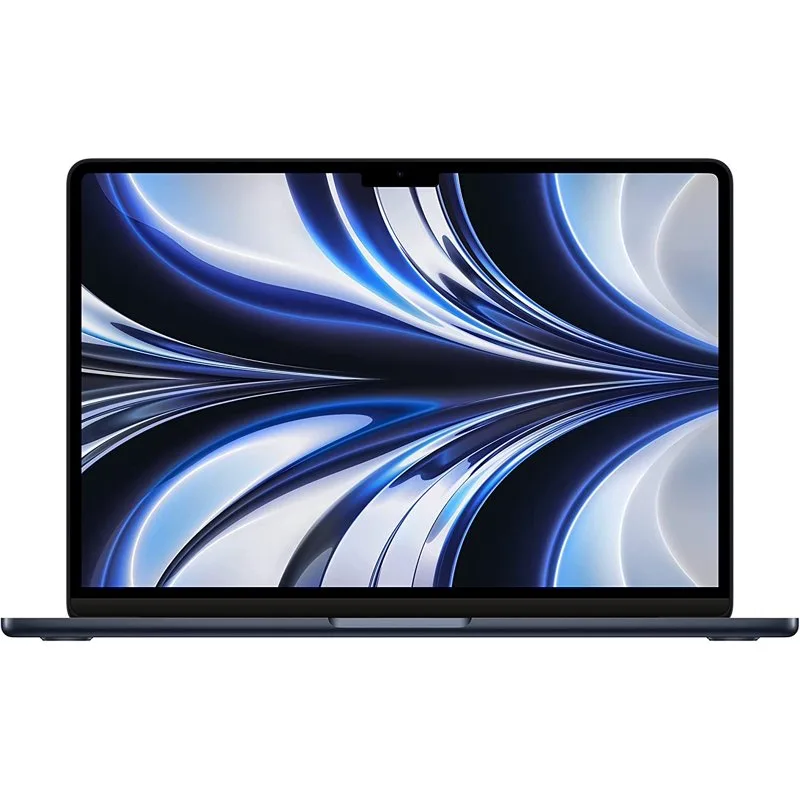
7. Acer Nitro V 15 - gaming on a budget that still writes essays
The Nitro V is the price floor for a real gaming laptop: around $700-750 with an RTX 4050-class GPU and a 144Hz screen. That is high-refresh esports and comfortable 1080p AAA gaming in the same machine that takes notes in lecture. It looks restrained enough to not scream "gamer" in a seminar, which its competitors cannot claim.
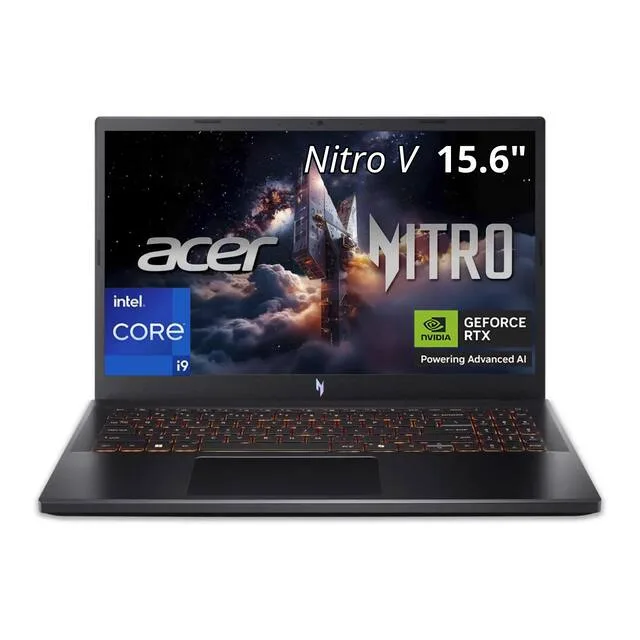
8. Lenovo Legion 5 - the serious gaming value
The step up that reviewers keep calling the best value in gaming laptops: an OLED screen, a properly cooled RTX GPU, and build quality that feels a class above its price. If gaming is a real part of your college plan rather than a side quest, this is where the money goes - it will still be a competent gaming machine at graduation.
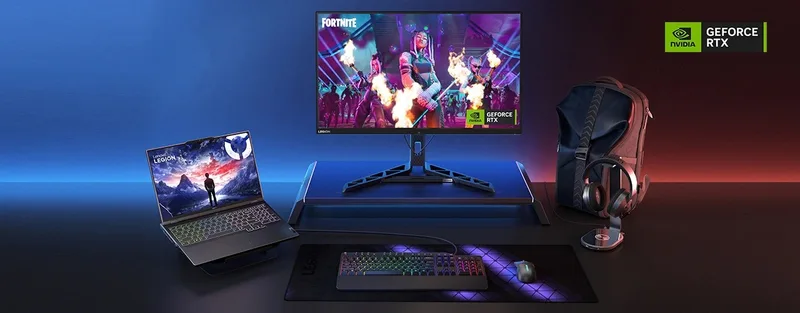
9. ASUS ROG Zephyrus G14 - everything, if you can pay for it
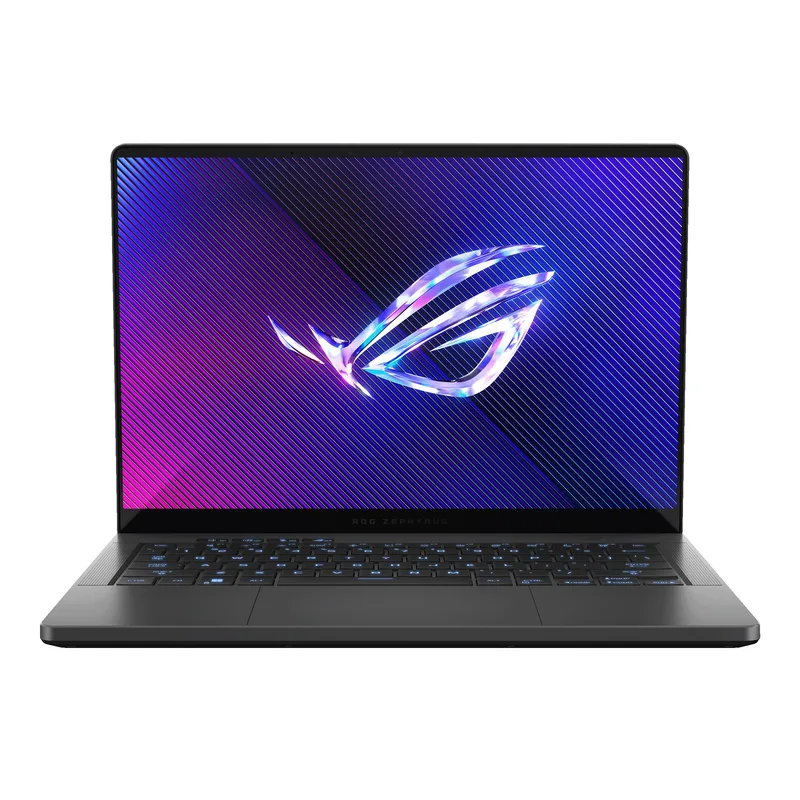
The G14 is what happens when a gaming laptop goes to finishing school: a 14 inch machine at roughly 3.5 pounds that plays AAA titles seriously, in an aluminum body that looks at home in a lecture hall. It is the one laptop here that genuinely does everything - which is why it costs like two laptops.
10. A Chromebook Plus - the honest minimalist pick
If the entire workload is Google Docs, browser tabs, and streaming - which describes more majors than tech people admit - a Chromebook Plus class machine (Lenovo's and ASUS's are the ones to grab) does all of it for around $350-400 with zero maintenance, fast boot, and long battery. The Plus certification guarantees a real processor and 8GB minimum, which cured the old bargain-bin Chromebook problem.
The gear that goes with it
The laptop is half the purchase. These four things determine whether it is pleasant to live with, and together they cost about $140.
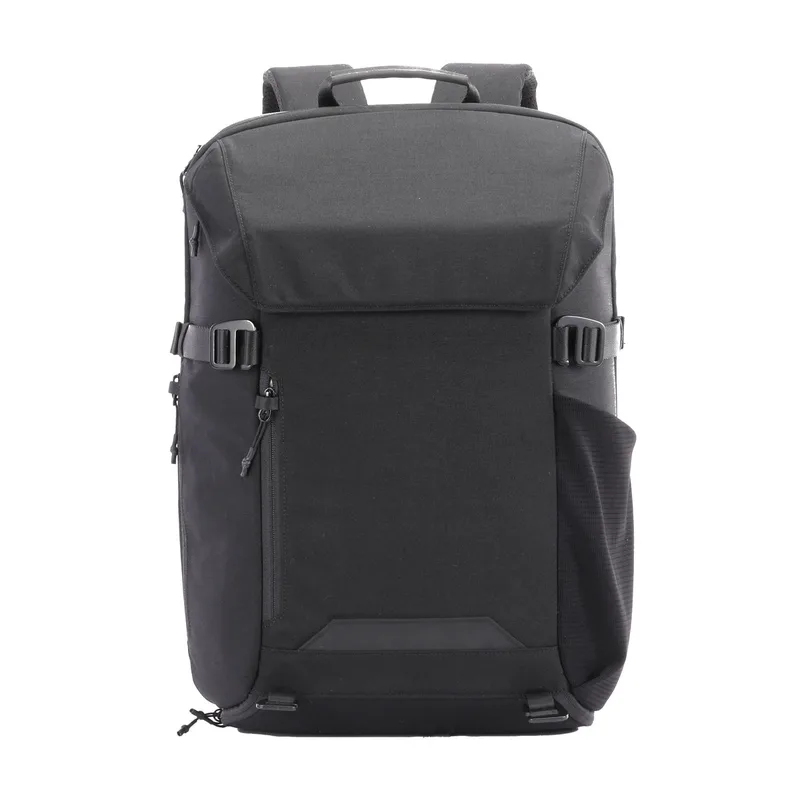
The backpack carries a four-figure machine through four years of weather. Frame and zipper quality matter more than logos. Sharper Image's 23L Venture pack is the one we would grab this season: padded sleeve up to 17 inches, TSA-friendly flat-open design, water resistant, priced like a backpack instead of a statement.
A laptop flat on a desk is a neck problem with a deadline. MOFT's invisible stand glues to the lid, folds flat, weighs three ounces, and props the screen toward eye level at every desk on campus. It is the rare accessory that earns permanent residence on the machine.

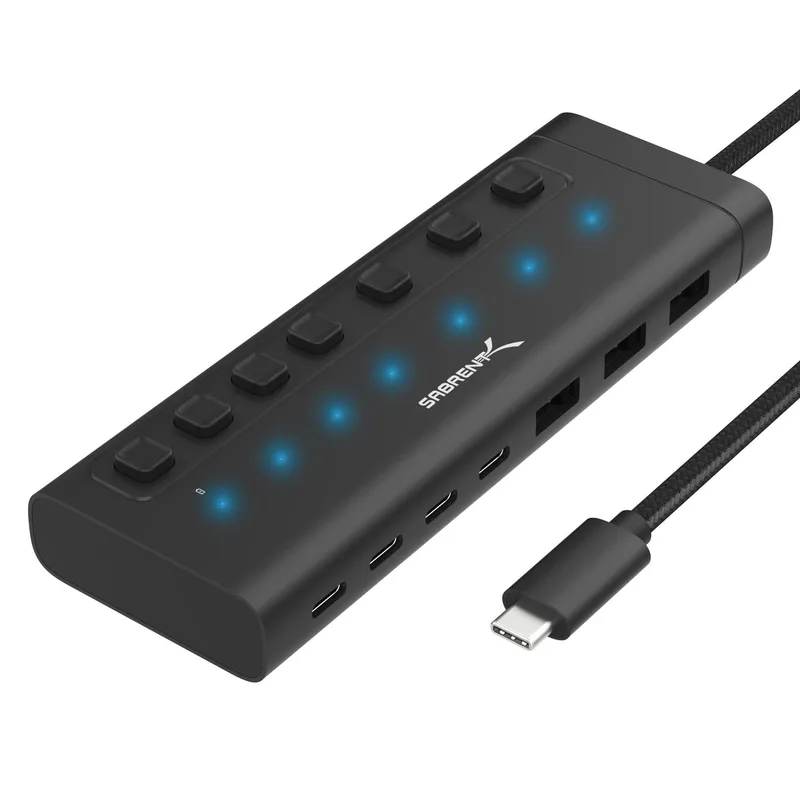
Thin laptops shipped with two ports and an apology. One powered hub on the dorm desk means the monitor, phone, drives, and peripherals all connect while the laptop charges - one cable to grab on the way out the door.
Most dorms ban plain power strips and require surge protection - housing contracts actually specify it, and RAs check. The fix costs ten dollars and adds four USB ports to a desk that never has enough.
The ten-dollar fix: HOPOW's ETL-listed surge protector packs six outlets and four USB ports (including 20W USB-C for fast phone charging) into a wall-mount design that satisfies typical housing rules. The one catch: 20W fast-charges a phone, not a laptop, so the laptop keeps its own brick.
Rounding out the panic-run list, no reviews needed: an insulated bottle because dorm tap runs warm, command strips because security deposits are real, a mattress topper because dorm mattresses are geology, and a paper planner because the students who use one swear by it.
If you are hell-bent on a desktop
Fair - there are two students this is right for: the one keeping a cheap laptop for class while a desktop does the real work in the dorm, and the commuter whose "campus" is a desk at home. Nobody is lugging a tower to a lecture. If that is you, skip the parts list; these two machines cover the spectrum.
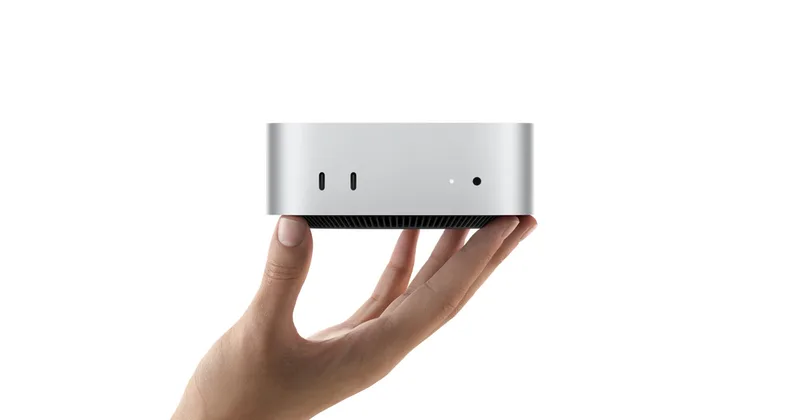
For everything except gaming, the Mac mini M4 is absurd value. Around $500 ($499 education) buys more computer than any laptop on this page for schoolwork, coding, and even serious photo and audio work - in a box smaller than a textbook that disappears behind the monitor.
For gaming, a Victus 15L class prebuilt is the honest budget tower. HP's Victus 15L with an RTX 4060-class card runs $800-900 on sale constantly, games comfortably at 1080p and 1440p, and comes with a warranty and Windows installed - which is the entire pitch of a prebuilt over parts.
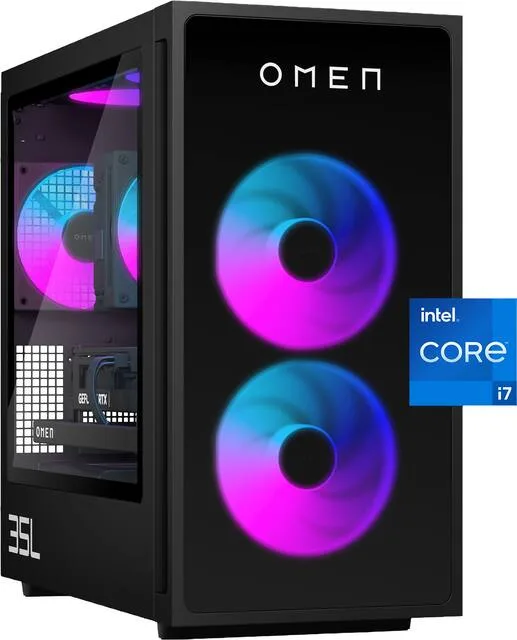
Before buying any prebuilt, run its CPU and GPU pairing through our bottleneck checker - thirty seconds, and it catches the classic prebuilt trick of a big GPU strapped to a starved CPU.
A desktop needs the desk to go with it. The short list, all things we have covered at length: a 1440p monitor is the sweet spot for both work and play, and the NB gaming monitor arm that holds it frees half the desk. For typing, the EPOMAKER Aula F108 (~$80) is the budget mechanical keyboard to beat this year - full breakdown in the keyboard guide - and the F108 Pro adds the volume knob and status screen for about $10 more, which finally makes those worth it. Pair either with the Redragon BM-4175 from our mouse guide, and the desk is done.
What to skip
For balance, the back to school aisle traps we would not spend student money on: a laptop cooling pad (fix the workload or the laptop, not the symptom), extended warranties on anything (the manufacturer warranty plus a credit card's purchase protection covers the realistic cases), a second monitor before a monitor arm, RGB anything as a priority, printer ownership (campus libraries print for pennies and never run out of cyan at 2am), and any laptop with 4GB of RAM no matter how tempting the price - that is e-waste with a return window.
The bottom line
Buy the laptop that matches the student, not the spec sheet: MacBook Air M4 or Zenbook 14 OLED as the default, Flex 5 or Aspire Go when the budget is the point, Nitro V and up when gaming is part of the plan. Add the four accessories that make any of them livable - about $140 all in - and do it in July, while everything is in stock, the campaign discounts are live, and nobody is panic-buying next to you.
Related reading
- Laptop vs desktop in 2026 - the full decision math, if you are still torn
- What computer does your major actually need? - requirements by field, without the upsell
- Best budget mechanical keyboards - the desktop typing upgrade, in depth
- Best 1440p gaming monitors - the screen for the desktop route
Found this useful? Pass it along:
Frequently Asked Questions
How much RAM does a student laptop need in 2026?
16GB is the safe answer for a laptop you want to last four years. 8GB still works for pure note-taking and Google Docs, which is why our two cheapest picks ship with it, but 40 browser tabs plus a video call will make an 8GB machine swap and stutter. If a laptop offers a 16GB configuration for $50 to $80 more, that is the best money you can spend on it.
Is a MacBook or a Windows laptop better for college?
For most majors it genuinely does not matter - lectures, papers, and browser work run the same on both. It matters at the edges: some engineering and architecture programs require Windows-only software (check your department's page before buying anything), while the MacBook Air's battery life and resale value are hard to beat for everyone else. Buy for your program's requirements first, ecosystem preference second.
Should any student buy a desktop instead of a laptop?
Only if you already know you are the person who will use it - a PC gamer, a 3D or video student with a dorm desk, someone keeping a cheap laptop for class anyway. A desktop gives you far more performance per dollar, but it cannot come to the library. Our rule: the laptop is the default, and the desktop is the deliberate second machine.