The Best 1440p Gaming Monitors in 2026: From $290 to Endgame OLED
Some links in this guide are affiliate links - we may earn a commission at no extra cost to you.
Buying a 1440p gaming monitor in 2026 comes down to a few decisions that matter far more than the spec sheet suggests, and the first one is the panel. Fast IPS is the safe default: accurate color, clean motion, no burn-in worry, and it is where most of the value lives. VA with mini-LED backlighting is the cheapest way to get HDR that actually does something, trading a little dark-scene smear for real 1000-nit highlights. OLED is the picture-quality endgame - per-pixel lighting, true blacks, color that makes everything else look gray - with a burn-in caveat that is smaller than it used to be but still real.
One thing on this page has changed faster than the rest of it: OLED stopped being a splurge. Through most of 2026 the entry point for a 27-inch 1440p 240Hz QD-OLED sat around $600, which is where the pick below is priced. In August it fell to roughly $300 to $400 as panel supply shifted toward monitors and twenty-odd brands started undercutting each other. The picks here are still the ones we stand behind on merit, but if OLED is what you want, read why OLED prices crashed first, because the cheapest credible option today costs about half what this section assumes.
Refresh rate is the next fork, and it is where most people overspend. The jump from 60Hz to 144 or 180Hz is transformative and worth paying for. 180 to 240 is a real but smaller step you feel mainly in competitive shooters. Past 240Hz, into 360 and 480, you are buying for esports reflexes and a GPU that can genuinely push those frames. Response time rides along with the panel: Fast IPS and OLED both clear motion cleanly, VA is a touch slower in dark transitions. And 27 inches at 1440p is the sweet spot precisely because it is sharp enough to stop seeing pixels while staying light enough for a midrange card to drive it at high refresh.
The honest part nobody prints on the box is that the monitor has to match the graphics card behind it and your point of view. A 480Hz panel fed 90fps wastes hundreds of dollars, and a mini-LED bought for a spreadsheet machine wastes its best trick. Competitive players should chase refresh and response. Single-player and story gamers should chase contrast and color. Figure out which one you are before you look at a single price.
How we rank: we pair every panel here with the GPU tiers that can actually feed it, weigh real-world motion and color over spec-sheet peak numbers, and price-check each pick against live Amazon and Newegg listings so the figures match what you will actually pay this quarter.
At a glance
The Picks
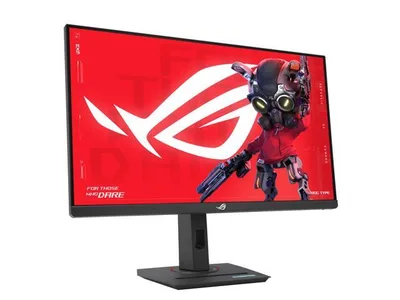
This is the one I point almost everyone to. For around $230-290 you get 27-inch 1440p at 180Hz on a Fast IPS panel with 1ms response, G-Sync and FreeSync support, and even USB-C thrown in. What sells me is that it has no meaningful weakness at the price - colors are accurate, motion is clean, and 180Hz covers everything short of pro-level esports.
Think of it as the monitor that makes your GPU look good without making your wallet cry. It is the natural home for an RTX 5060 or RX 9060-class card, where 180Hz gives you headroom to grow instead of frames you cannot use. The HDR is nominal rather than a real feature and the stand is basic, but neither is a reason to spend more unless you specifically care about those things. For the overwhelming majority of builds, this is where the money should land.
The catch: HDR is nominal and the stand is basic, so if HDR punch is your priority, look at the mini-LED instead.
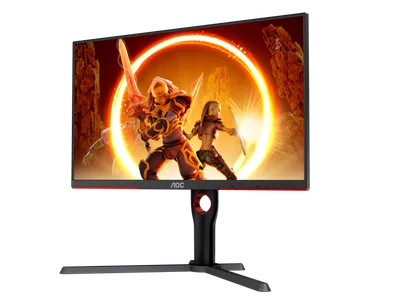
This is the monitor that made real HDR affordable. It is a 27-inch 1440p 180Hz VA panel with mini-LED local dimming that hits genuine 1000-nit highlights, which means HDR games actually pop the way they are supposed to - at a little over half of OLED money. If you have only ever seen fake "HDR400" HDR, this is a different category, and it is the pick for a single-player gamer who cares more about a jaw-dropping sunset than about chasing another 60Hz.
The tradeoffs are the usual VA ones: dark transitions are a touch slower than IPS, so there is some smear in shadowy scenes. And the price bounces around between retailers, so it is worth checking both links before you commit. For the HDR-per-dollar it delivers, I forgive both.
The catch: It is a VA panel, so dark transitions smear a little more than IPS, and the price bounces between retailers - shop both links before you buy.
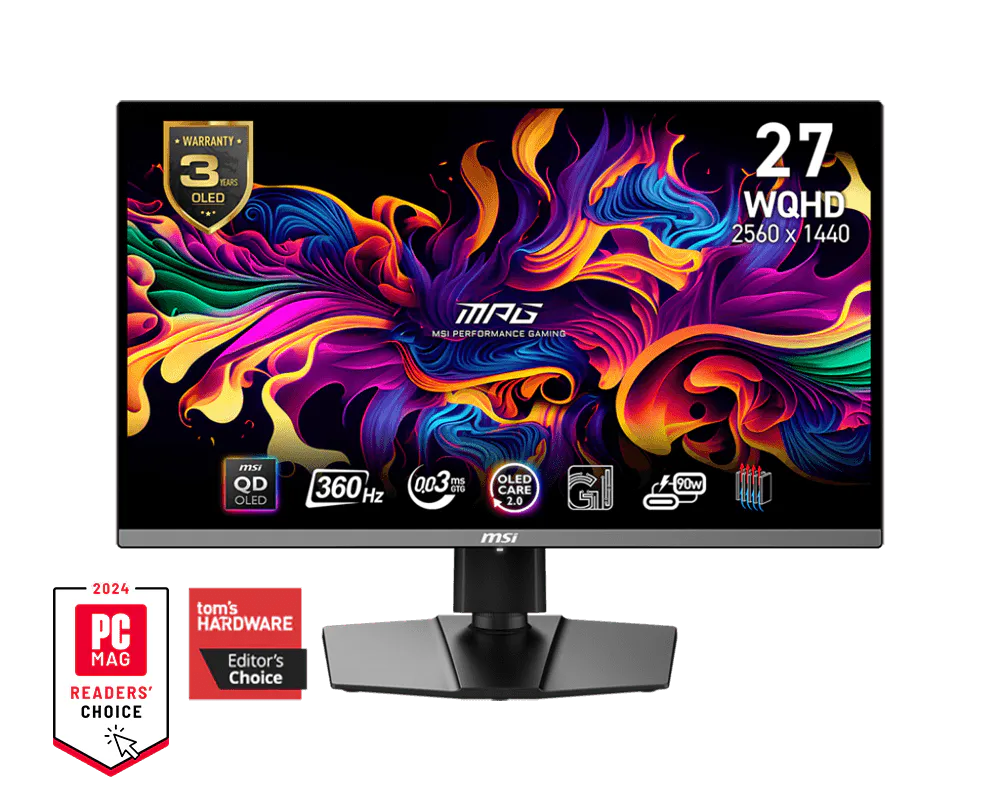
Once you game on OLED, everything else looks gray. Per-pixel lighting means true blacks and effectively infinite contrast, QD-OLED color is spectacular, and 360Hz with 0.03ms response makes motion look painted on. This is the 1440p OLED most reviewers point to first, and it earns that - it is the pick for the player who has decided the image itself is the upgrade and wants both the picture and the speed in one panel.
What takes the anxiety out of the jump is MSI's 3-year burn-in warranty - the thing that used to scare people off OLED is now covered. It is real OLED money and you do want to be a little thoughtful about static content, but if the picture is what you are chasing, this is the one I would buy.
The catch: This is OLED money, and OLED wants a little care around static content - fine for varied gaming, worth thinking about if a taskbar lives on screen all day.
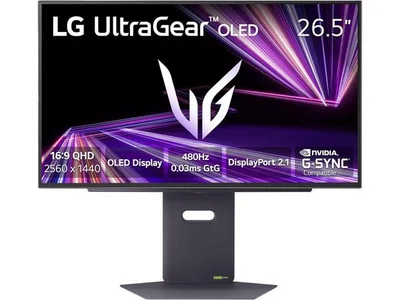
This is a 1440p OLED at 480Hz with a 0.03ms response time - the fastest color-accurate display experience money currently buys. Motion clarity approaches old CRT territory, which is genuinely rare and genuinely addictive if competitive shooters are your whole thing. This is the panel for the player whose point of view is a ranked ladder, not a story campaign.
The honest catch is that you need a monster GPU and mostly-competitive tastes to actually exploit it - even at the ~$735 it has fallen to this is not a "nice to have," it is a deliberate esports splurge. Feed it 200fps and you have wasted half of what you paid for. But if 480 frames is a number your rig and your reflexes can both use, nothing else on this page feels like it.
The catch: It costs $1,000 and needs a monster GPU to feed it - on anything less than a flagship card most of that 480Hz goes unused.
More options worth a scroll
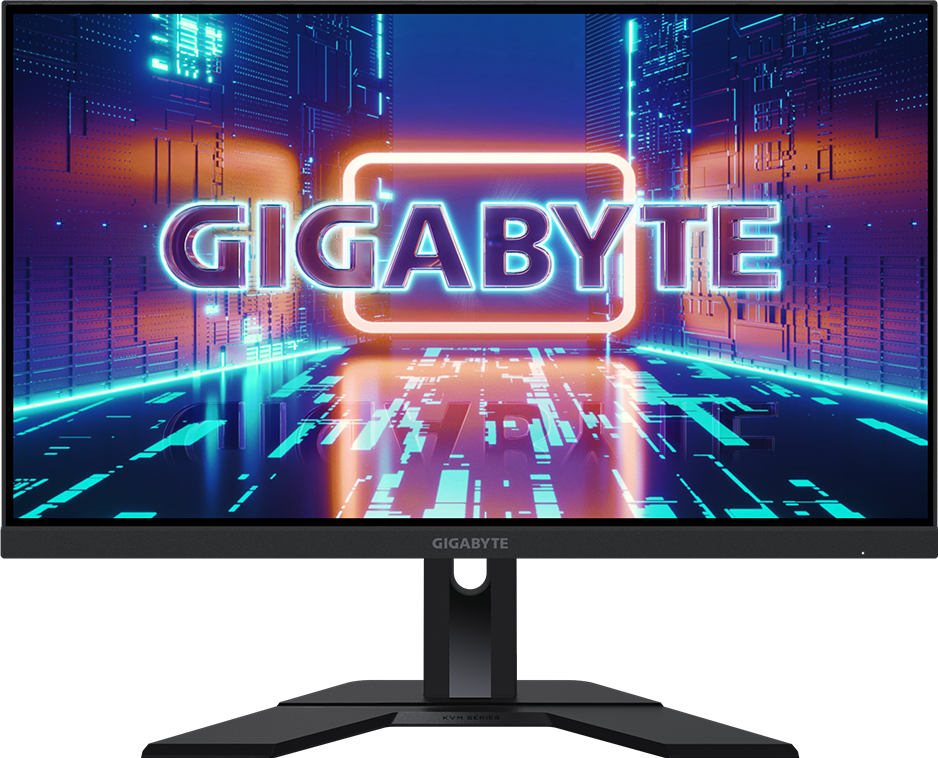
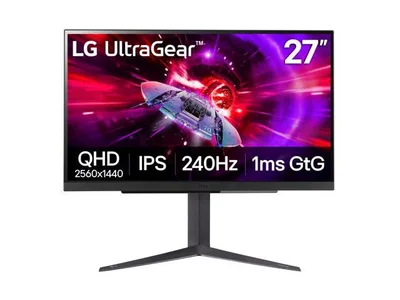
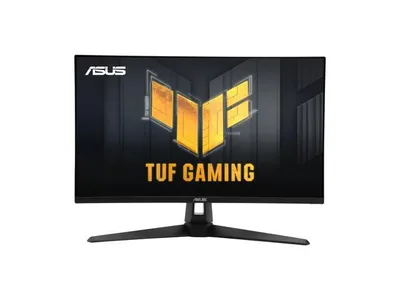
A few panels that miss the top four but earn a look if the price is right or a spec lines up with what you need:
How to choose (and what to skip)
A 480Hz monitor on a GPU that renders 90fps wastes exactly the money you paid for the extra hertz. Before you buy, match the panel to what your card actually delivers at 1440p:
- RTX 5060 / RX 9060 tier: you will live between 60-110fps at 1440p. A 180Hz IPS like the XG27ACS gives headroom to grow; anything faster is decoration.
- RTX 5070 / RX 9070 tier: 100-165fps in most titles. The 180Hz IPS or the mini-LED are perfect matches, and OLED works too.
- RTX 5080 and up: you can feed 240Hz+ honestly, and OLED is where that power becomes visible. This is also the tier where 4K starts to make sense instead - a genuine fork in the road.
A few things to actively skip. Do not pay for 360Hz or 480Hz unless a flagship GPU and competitive shooters are both true for you, because a midrange card leaves most of those frames on the table. Do not buy an OLED for a machine that shows a static taskbar and spreadsheets eight hours a day - pixel-shift and 3-year burn-in warranties make varied gaming low-risk, but heavy static desktop use is the one workload that still earns you the mini-LED instead. And do not chase "HDR400" stickers; real HDR needs a mini-LED or OLED backlight, not a badge.
Not sure where your system lands? The bottleneck checker estimates your FPS at 1440p for your exact CPU and GPU, and Monitor Match turns that straight into a resolution and refresh recommendation. Use the tools - they exist so you do not buy 480 hertz for a 90fps system.
The bottom line
If you are still on a 1080p 60Hz panel, any monitor on this page is a bigger upgrade than a new GPU. The display is the one component you look at every single second, so it is allowed to cost real money. For most builds the XG27ACS is where that money should land: 180Hz Fast IPS at around $290 with no real weakness. Want HDR that pops for about the same spend, take the AOC mini-LED. Decided the picture itself is the upgrade, the MSI QD-OLED is the one most reviewers reach for first, and the 480Hz LG is there for the competitive diehards who can feed it. Buy the refresh your GPU can actually push and the panel your point of view rewards, then stop there.
Related reading
- PC bottleneck checker - your exact CPU and GPU FPS at 1440p before you commit to a panel
- Best GPU to buy in 2026 - match the card to the monitor you just picked, tier by tier
- Monitor Match - turns your FPS estimate into a resolution and refresh rate recommendation
Found this useful? Pass it along:
Frequently Asked Questions
What is the best 1440p gaming monitor in 2026?
For most gamers, the ASUS ROG Strix XG27ACS - a 27-inch 1440p 180Hz Fast IPS panel that has drifted down to about $230-290 - is the sweet spot. If you want HDR that actually works, the AOC Q27G3XMN mini-LED is the value king, and the MSI MPG 271QRX QD-OLED is the picture-quality upgrade at around $630.
Is 1440p or 4K better for gaming?
For most gamers, 1440p. It looks dramatically sharper than 1080p but needs roughly half the GPU power of 4K, which means higher frame rates from the same graphics card. 4K only makes sense with a flagship GPU (RTX 5080 and up) or for slower single-player games.
What GPU do I need for 1440p gaming?
A GPU with a gaming score in the 80s handles 1440p high refresh comfortably - think RTX 5070 or RX 9070 and up. Midrange cards like the RTX 5060 can do 1440p at 60-100fps in most titles. Run your exact card through our bottleneck checker to see its 1440p FPS estimate.
Do OLED gaming monitors have burn-in problems?
Less than they used to, but it is still real. Modern OLED monitors ship with 3-year burn-in warranties, pixel-shift, and refresh routines, and gaming with varied content is low risk. If your monitor shows a static taskbar and spreadsheets 8 hours a day, buy the mini-LED instead.
Is 180Hz enough or do I need 240Hz+?
180Hz covers the overwhelming majority of gamers - the jump from 60Hz to 144Hz is life-changing, 144 to 240 is noticeable if you play competitive shooters seriously, and beyond 240Hz is for esports diehards. Buy refresh rate your GPU can actually feed - check your FPS estimate first.